Create stickers by combining emojis to form unique designs. Choose from a variety of combinations. Share custom stickers in iMessage conversations. Edit sticker appearance with color and style options.
by Luu Thi Tuyet Minh★ 4.210 ratingsStickersFreeData updated 2026-09-06
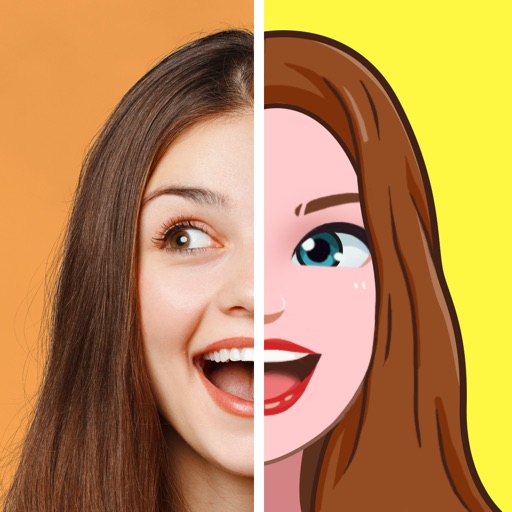
Create animated emojis based on your appearance, friends, or celebrities. Choose from various expressions like happy or facepalm. Add custom text to emojis. Share via iMessage, Facebook, Instagram, Twitter, and other apps. Send for free or as MMS.
Create custom emojis using thousands of parts. Sync emojis to keyboard and Messages/Sticker . Personalize expressions with interchangeable elements. Share created emojis directly within apps.
Send and customize with 80+ -themed emoticons. Choose from large sticker sizes. Add to conversations. Share with contacts. Select sticker categories for easy access.
Create custom emojis to personalize messages. Share them across iMessage, Telegram, WhatsApp, Messenger, and other chat apps. Edit and design emojis with various tools. Save and manage created emojis in a gallery.
Create and customize emojis by selecting from hundreds of templates. Add elements like eyes, mouths, and accessories to unique emojis. Save and share creations with friends. Edit and refine designs using an intuitive interface.
Send and receive animated emojis in iMessage. Choose from over 1300 stickers with motion and expressions. Customize sticker size and position. Share stickers across devices.
Send emojis and stickers with a single button. Access sound effects and animated emojis. Organize emojis into categories. Share stickers via iMessage. Include multiple color themes and sound sets. Support iPhone and iPad.
Create animated emojis that resemble your dog. Choose from animations like yawning, growling, or catching a frisbee. Combine with your photo or text. Share via iMessage, Facebook, Instagram, or Twitter. Send as free text or MMS.
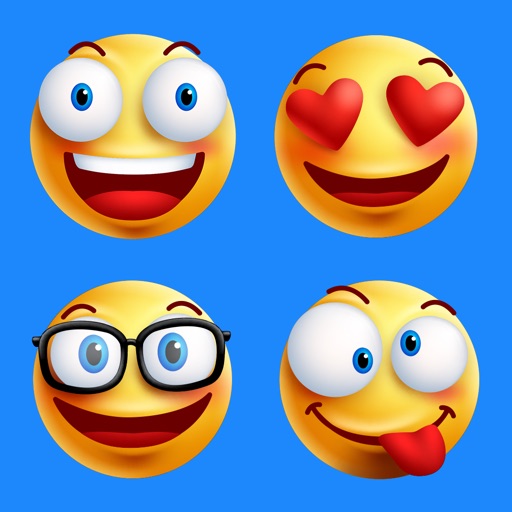
Create custom emojis with adjustable colors, shapes, and styles. Choose from various sticker packs to personalize your collection. Share emojis across social apps and save favorites for easy access.
Create personalized emojis and GIFs using a customizable . Design avatars with facial features, hairstyles, and accessories. Share created emojis and GIFs through iMessage and other messaging apps. Edit and customize stickers directly within the .
Design custom emojis with drawing tools and templates. Save and share them as stickers in iMessage. Copy emojis to use in other apps or emails. Emojis are exported as images for consistent display across devices.
Stack two emojis vertically to create combinations. Select from multiple sets. Complete sets to progress through levels. Share achievements and compete with others.
Create and combine emojis by merging different expressions. Customize designs with various elements. Share created stickers with others. Explore endless combinations for creative expression.
Create and customize emojis and stickers by combining elements like eyes and smiles. Edit existing emojis or build from scratch. Export designs as high-quality stickers for WhatsApp, iMessage, Telegram, and social media.
Customize text with emojis, fonts, and stickers. Send kaomojis via iMessage. Add stickers to Instagram posts and stories. Include fun elements in Snapchat photos and TikTok videos. Compatible with WhatsApp and Roblox.
Create custom emojis using a variety of components like eyes, mouths, and backgrounds. Customize colors and styles. Save and share created emojis. Collaborate with others to design and exchange unique sets.
Create unique stickers by deconstructing and mixing elements. Edit emojis with style switches and custom text. Merge emojis to form new expressions. Design personalized avatars and wallpapers with customizable options.