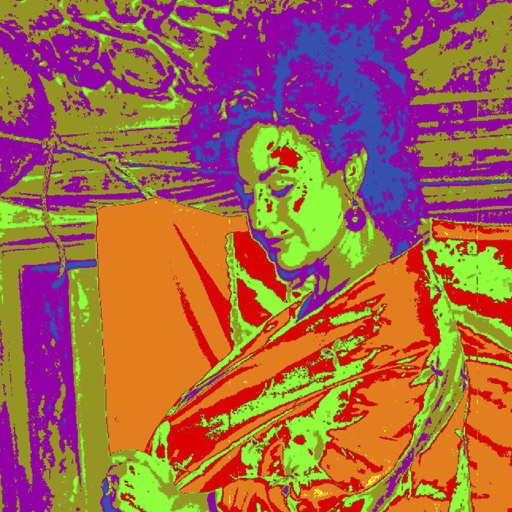
Convert images into the of selected paintings using AI processing. Select an image from the album or camera, choose a painting , apply the transformation, and save or share the result.
Create mockups by uploading screen captures and selecting device templates. Add 3D rotation, background, shadow, shift, scale, and canvas adjustments. Choose different models, angles, and backgrounds.
Generate images from text or existing images using AI. Edit and refine generated images. Save and share outputs without login or payment requirements. No usage limits or subscription needed.
Create collages by combining multiple photos into a single . Resize the , adjust rounded corners, change resolution, and modify the color. Rotate individual images within the . Premium plan offers additional features and auto-renewing subscriptions.
Edit photos with a wide range of effects, from basic adjustments to advanced graphic transformations. Repaint images using various brushes and import Photoshop brushes. Share edited photos on Instagram with the # tag.
Take photos of wall murals with the camera or select images from the gallery. Preview 3D models by swiping or pinching. Export 3D models in .stl format for 3D printing.
Create art using a continuous for each color. Select an image, choose thread colors and nail count. The generates a step-by-step guide. Customize canvas color and up to 10 thread colors. Adjust circle diameter and thread width for realistic results.
Detect colors in real-time using augmented reality. Convert hex, RGB, HSL values. Save and organize palettes. Share colors via link or copy code. Sync across devices.