
Collage Photo Frame Maker
Create collages with custom frames and colors
Daisuke Suzuki
iPhone Screenshots


Description
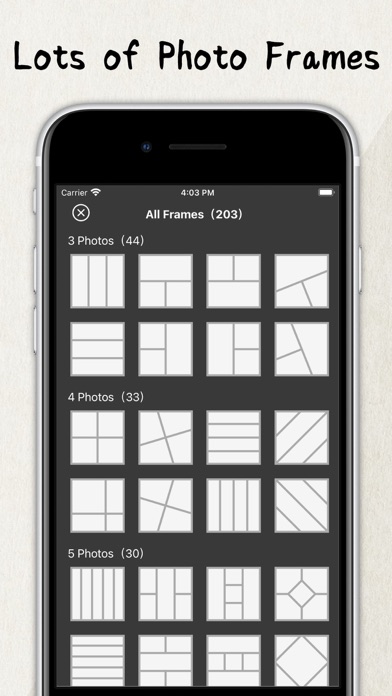
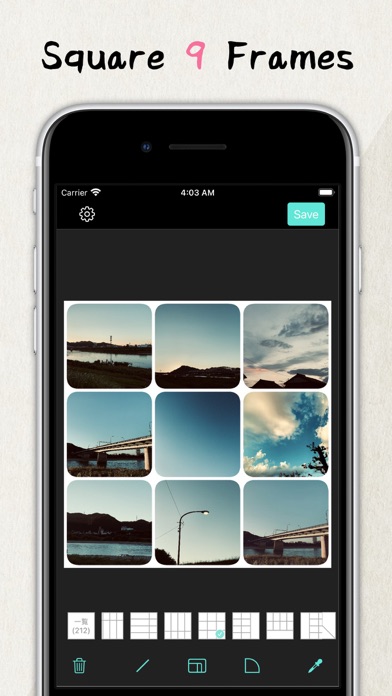
Create collages by combining multiple photos into a single . Resize the , adjust rounded corners, change resolution, and modify the color. Rotate individual images within the . Premium plan offers additional features and auto-renewing subscriptions.
Collage multiple photos into one frame.
feature:
- Resize the frame
- Set the rounded corners of the frame
- Change resolution
- Change the color of the frame
- Image rotation function
* Premium Plan
Payment will be charged to your iTunes account.
Subscriptions will automatically renew unless auto-renew is turned off at least 24 hours before the end of the current period.
You can manage or turn off auto-renewal in your Apple ID account settings any time after purchase.
* How to manage a subscription on your device
1. Open the Settings app.
2. Tap your name.
3. Tap Subscriptions.
4. Tap the subscription you want to manage.
* Terms of Use | Privacy Policy
https://systems0.com/app/tos.html