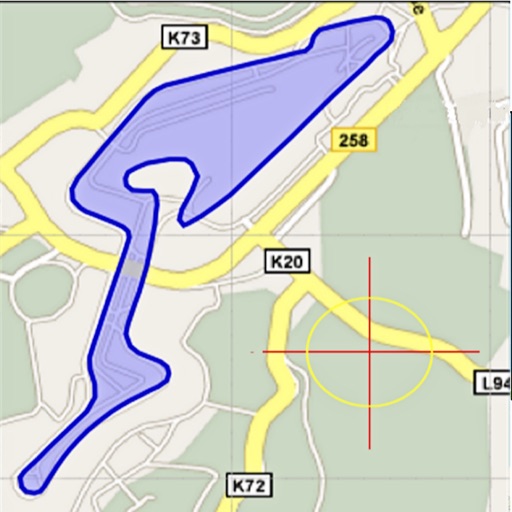
Area, lengths, and angles on maps using an interactive crosshair. Trace outlines to create connected points, updating area and perimeter in real time. Adjust radius for scaling features. View dynamic length and angle as you move the crosshair.
Is a vector-based drawing tool for 2D CAD. Users can create lines, rectangles, ovals, arcs, polygons, and text. Freehand drawing with vectorization and spline tools is available. Objects have adjustable attributes.
The app provides a calculator with a four-level visible stack and a total of one hundred positions. It includes operations for plus, minus, multiply, divide, opposite, and inverse, with keyboard errors notified by vibration.
Create and adjust cutting layouts for flat sheet materials. Choose and modify parameters like sheet size and blade width. Generate edge profiles and calculate material usage. Export cutting diagrams for manual or machine operation.
Create custom keyboards with personal designs. Access 12 instant keyboards and phrases with a single tap. Arrange numbers with associated punctuation. Input fractions from ⅛ to ⅞. Use single punctuation keys without shifting.
Create custom widgets on iPhone home screen by entering text and saving. Select size and place on home screen via long press and + button. Supports all sizes and dark mode.
View and manage CAD drawings with support for DWG, DXF, and PDF formats. Open multiple files simultaneously. Use scale tools to distances in meters and perform continuous length measurements. Add annotations and markups directly on drawings.