Create decorative designs using washi patterns. Select from various collections and fill blocks with patterns. Save and share finished designs. Adjust colors and layouts for custom projects.
Create art with layer editing tools including adding, deleting, duplicating, hiding, sorting, and grouping layers. Use blend modes and transparency settings. Access various tools like pen, eyedropper, eraser, and selection.
Create and customize wallpapers for iPhone and iPad. Choose from thousands of pre-designed templates. Adjust colors, fonts, and layouts. Add text, images, and icons. Save and apply custom designs to screens. Sync with iOS 16 features.
Create intricate patterns using customizable shapes, colors, and symmetry tools. Adjust spacing, rotation, and repetition settings. Export designs in vector and raster formats for print or digital use.
Create logos, insignias, emblems, and banners using customizable templates. Add text, icons, and colors. Export designs in various formats and share directly.
Customize home screen , icons, and with pre-made or user-created designs. Adjust backgrounds and text. Use personal photos for custom designs. Apply and set up in under a minute.
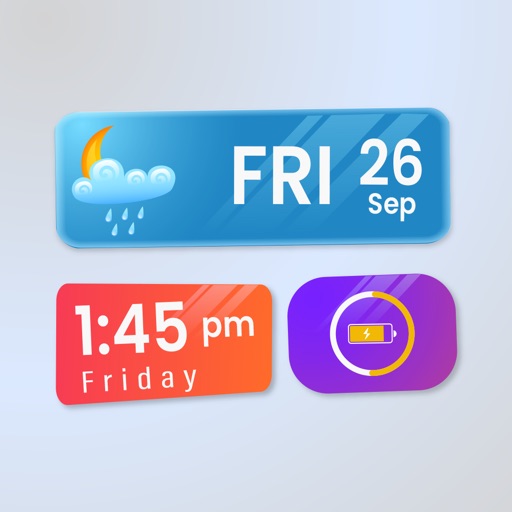
Widget King allows users to add dynamic to their home screen. Choose from sporty, racing car, cliff, bridge view, and aesthetic . come in three sizes. Users can customize and arrange on their iOS 14 home screen.
Create 3D designs for apparel, accessories, and packaging. Import custom 3D models and edit 2D patterns at 1:1 scale. Use PBR materials and export high-quality designs for production.
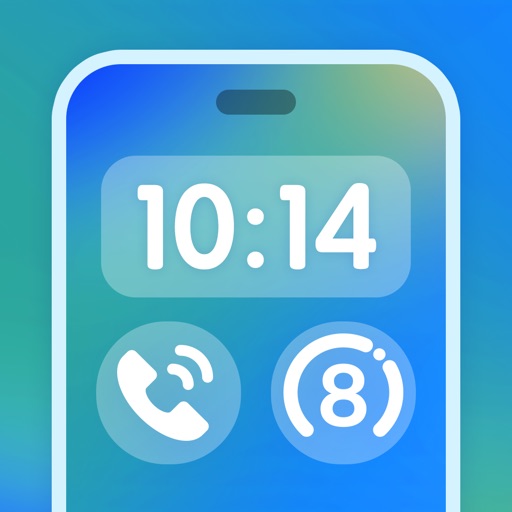
Create shortcuts on the to quickly launch apps. Display showing time, date, calendar events, progress bars, and custom text. Customize themes and add photos or icons for personalization.
Customize icons and desktop themes with a variety of designs. Set universal widgets for quick access. Choose from themed wallpapers and animated icons. Personalize the home screen with unique visual elements.