
iPhone Screenshots


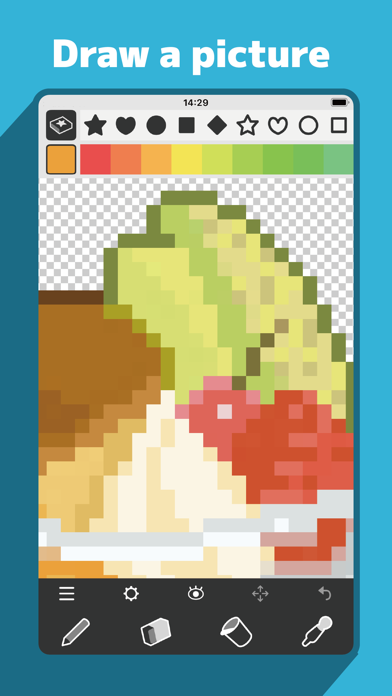

Description
/// Standard Features ///
Marks (86 types) / Includes large symbols, small symbols, knitting symbols, numbers, alphabets, and patterns.
Pen, Eraser, Bucket, Eyedropper / Double-tap the button to switch to mark-specific functions.
Color Picker / Supports RGB/HSB conversion and saving color palettes separately for each canvas.
Selection Tool / Move, copy, flip, rotate, or delete selected areas.
Image Import / Convert imported images into pixel data or pattern marks.
Image Export / Includes display options for transparency, grid, marks, and fill.
Undo / Undo up to 10 times.
Other Features / Save up to 5 files, toggle display settings (transparency, grid, marks, fill), clear all marks, clear all fills, duplicate.
Canvas Size / Up to 160×160.
/// Premium Features ///
Ad-Free / Removes all ads within the app.
Unlimited Saves / Removes the 5-file save limit.
PDF Export / Export vector-based PDFs for pattern output.
iCloud Save & Sync / Save and sync edited data via iCloud Drive across multiple devices.