Manage usage with session limits that enforce breaks after set durations. Receive smart nudges to stay on task while scrolling. Track to-dos within an integrated list to prioritize important activities.
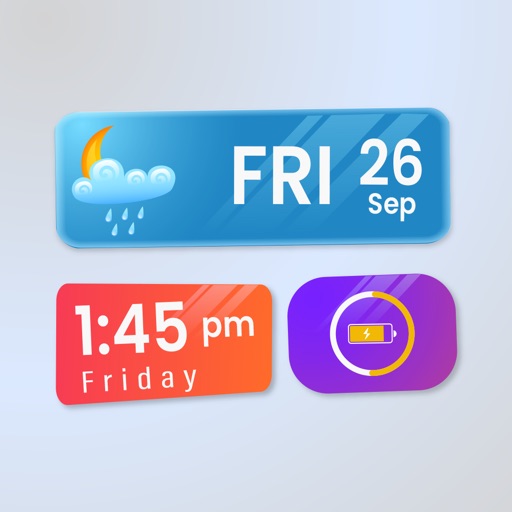
Widget King allows users to add dynamic to their home screen. Choose from sporty, racing car, cliff, bridge view, and aesthetic . come in three sizes. Users can customize and arrange on their iOS 14 home screen.
Turn your iPhone into a distraction-free device with a simplified interface. Customize a home widget to include only essential apps. Disable non-essential notifications and access to reduce digital .
Display messages in large, clear text with automatic resizing. Save all cards permanently and access favorites quickly. Swipe to navigate and shake to save or erase messages instantly.
Create lists and pull items to build your daily schedule. Randomize order to avoid decision fatigue. Start, stop, and pause your day with time controls. Track progress and view detailed productivity statistics.
Grow your tree by blocking distracting apps and setting daily open limits. Each unlock pauses for a break. Track and receive reminders to take breaks. Set goals for mindful use and monitor progress over .
Block distracting apps and websites to minimize interruptions. Set focused work sessions with customizable timers. Track screen time and review usage patterns. Receive notifications to stay on task and avoid procrastination.
Simplifies iPhone use with a home screen. Removes distracting elements like badges and bright icons. Allows customization of shortcuts and widgets. Enables focused mode to limit distractions. Tracks screen time and usage.