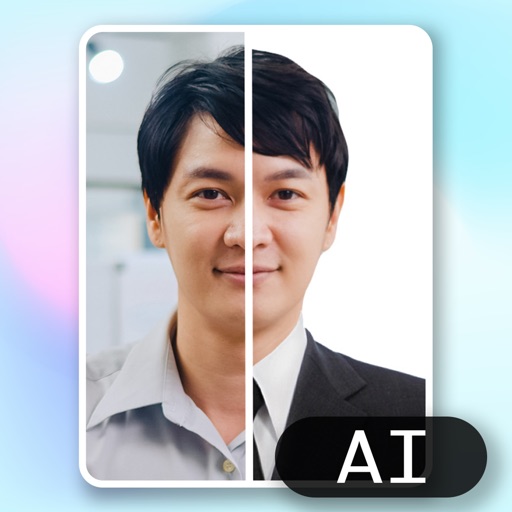
Create and edit ID photos with beauty filters, background color changes, and gender-specific dress options. Select square or rectangular shapes. Save and share edited photos directly.
Create professional ID photos with automatic portrait drawing and background replacement. Adjust background colors instantly. Choose from various dress options. Save ultra-high definition images for use.
Create ID photos with intelligent makeup and skin adjustments. Choose from multiple clothing templates. Remove and replace backgrounds automatically. Select from various size options. Generate ID photos quickly with a large-capacity layout.
Create professional ID photos for passports, visas, student IDs, and more. Choose background color, select size, and capture in three steps. Export high-resolution images for free without any purchase.
Create ID photos with automatic portrait alignment and AI-based beautification. Adjust lighting and background. Export in required formats for passports, visas, and ID cards.
Edit photos with enhancement tools, effects, and color splash. Add stickers, frames, and overlays. Create collages and custom drawings. Crop, rotate, flip, and straighten images. Adjust brightness, contrast, and saturation.
Create ID photos by removing the portrait from the background using brush tools. Choose from over 20 background styles including solid colors and spotlight options. Export the final image in standard photo format.
Create or visa photos with automated background adjustment and customizable attire options. Enhance images with beautification tools. Save and share edited photos directly.
Format, print, or save photos using predefined templates for 100 countries. Edit job application photos with ten popular formats. Automatically replace backgrounds with a clean white background. Export photos in multiple formats.
Edit photos with AI auto-beautification, facial retouching, and skin smoothing. Adjust features, enhance lighting, and apply filters. Save and share edited images directly.
Create ID photos using AI to remove backgrounds and add formal clothing. Edit images directly on your phone simple tools. Save and share the final result.
Edit photos and videos with filters, presets, cropping, and color adjustment tools. Resize and crop content for social platforms like Instagram and Snapchat. Create collages by combining images. Use MAGIC FILL to expand or uncrop images.
Edit photos with filters, cropping, and AI enhancements. Adjust colors and brightness. Add text, stickers, and overlays. Create collages and cards. Edit videos with trimming, transitions, and effects. logos, flyers, and social media content.
Edit photos and videos with AI-powered tools like face enhancement, makeup application, and background removal. Apply cartoon filters, stickers, and thousands of effects. Capture selfies with AI auto-beautification. Share edited content directly.
Edit photos with background removal, cropping, and resizing tools. Adjust brightness, contrast, and color. Choose from and ID photo templates. Preview and export in required formats. Share directly or save for later.
Create photo collages and composite images by combining up to 11 photos in a single layer. Remove unwanted areas with the background eraser tool. Adjust color tones to enhance image appearance. Export edited photos in various formats.