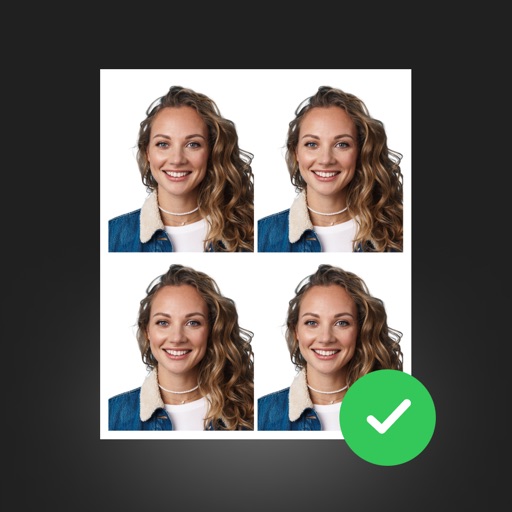
Apps Like PhotoID: Passport Photo Maker for iPhone and iPad
Create photos in three clicks
Create or visa photos with automated background adjustment and customizable attire options. Enhance images with beautification tools. Save and share edited photos directly.
by RHINOX MOBILE INC. PTE. LTD.★ 4.7132 ratingsPhoto & VideoFreeData updated 2026-09-06
Create ID photos with automatic portrait alignment and AI-based beautification. Adjust lighting and background. Export in required formats for passports, visas, and ID cards.
Create and format official ID photos, photos, and visa application photos for 100+ countries. Adjust size, save, print, or share formatted images. Select from standard or custom dimensions.
Create professional ID photos with customizable specifications. Adjust background, crop, and resize images. Save in standard formats and print directly. Suitable for passports, visas, driver's licenses, and more.
Create , ID, and visa photos for 150+ countries. Automatically remove backgrounds and ensure biometric compliance. Save photos for printing or digital use. Generate high-quality images directly from your device.
Create professional ID photos with automatic portrait drawing and background replacement. Adjust background colors instantly. Choose from various dress options. Save ultra-high definition images for use.
Create professional ID photos with AI tools. Automatically detect faces and remove backgrounds. Resize and crop portraits to fit official sizes. Support multiple countries' requirements. Generate printable -sized images for children and adults.
Create professional ID photos for passports, visas, student IDs, and more. Choose background color, select size, and capture in three steps. Export high-resolution images for free without any purchase.
Scan and edit document photos with Smart Cropping for precise edge detection. Adjust background to remove shadows and enhance brightness. Export in PDF or JPEG formats. Support for ID and scanning.
Create and visa photos for DV Lottery, green card, and government ID applications. Use AI to generate headshots. Edit photos with cropping, lighting, and background adjustments. Export for email or print. Save time without needing a studio.
Take and ID photos with automatic size, background, and lighting adjustments. Guide posture and lighting for clarity. Export in high-quality JPG or PDF for official use.
Create ID photos with one-click cutout and face recognition. Automatically blur background edges for natural transitions. Save edited photos directly to the album.
Capture and edit official ID photos professionally
Create professional-quality photos for passports, visas, and ID cards. Use guided cropping to adjust size and alignment to international standards. Edit backgrounds to achieve a clean look.
Take official ID photos for passports, visas, Green Cards, and DMV licenses. Follow step-by-step guidance to ensure compliance. Capture and submit photos directly for government applications.
Convert selfies into biometric -size photos compliant with , ID, visa, Green Card, student card, and driver's license requirements. Automatically adjust photos for size, background, and lighting.
Take and edit photos for , visa, and ID purposes. Adjust lighting, background, and alignment. Crop to meet size and format requirements. Save and print photos or share digitally. Verify compliance with international and country-specific guidelines.
Edit photos and videos with AI-powered tools like face enhancement, makeup application, and background removal. Apply cartoon filters, stickers, and thousands of effects. Capture selfies with AI auto-beautification. Share edited content directly.
Take and ID photos using a mobile device. Automatically adjust images to meet country-specific requirements. Manually crop and resize photos for precise formatting. Save and share edited photos directly.
Create ID photos with AI face fusion, automatic portrait clipping, and intelligent background filling. Adjust size and generate photos in one click. Supports multiple types and smartphone use.
Edit photos with background removal, cropping, and resizing tools. Adjust brightness, contrast, and color. Choose from and ID photo templates. Preview and export in required formats. Share directly or save for later.