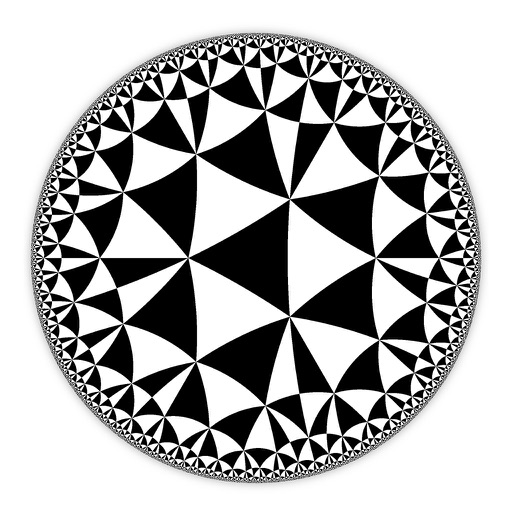
Create and customize hyperbolic patterns using Poincare Disk geometry. Adjust motifs to repeat infinitely within the circular space. Explore non-Euclidean designs with scalable, recursive visuals. Export patterns in various image formats.
by DAVID CROOKS SOFTWARE DEVELOPMENT LIMITED★ 4.67 ratingsGraphics & DesignFreeData updated 2026-09-06
Measure objects using AR by aiming your camera and dragging a virtual ruler. Calculate height, width, length, and area. View real-time measurements and save results for later reference.
Project , customize designs, adapt to measurements
Create custom sewing using digital projection and algorithmic adjustments. Input body measurements to generate real-time, adaptable designs. Edit and modify directly on a screen. Export for physical use or digital sharing.
Explore and scales with a dictionary featuring user libraries and reverse mode. Search by keys or MIDI input. Build chord progressions with common patterns. Use the circle of 5ths for navigation.
Play audio files with adjustable playback speed for detailed listening. Set AB repeat segments to focus on specific parts. Practice listening and speaking with customizable repetition settings.
Play along with pre-recorded drum loops from Jazz to Rock. Practice with a virtual drummer that adjusts tempo and swing. Use the smart metronome with clave and swing regulator features.
Learn Pre-College Level Math topics including algebra, geometry, counting, and probability. Solve problems with interactive exercises. Track progress and receive instant feedback. Prepare for AMC8/10/12 competitions with targeted practice.
Take photos or upload images to identify using AI analysis of shape, size, depth, and trail patterns. View species matches with confidence scores, habitat details, and track features.
Create drawings and paintings using augmented reality. Project images onto paper and trace them. Choose from diverse patterns and motifs. Color directly on the projected image. Save and share completed artwork.
Images using a smart palette and blending mode. Choose from mandalas, florals, animals, and patterns. Create custom designs or by number. Export finished artwork to PDF. Quick access to numbers via tap and hold.
Paint on spherical surfaces with customizable brush settings. Create symmetrical designs using mirroring tools. Save and export artwork in various image formats. Adjust colors and layer transparency for detailed artwork.
Rtwork using AI algorithms. Select styles and color schemes. Adjust parameters for creative control. Export images in various formats. Share creations directly.
Convert text to and vice versa. Send and receive signals using front or rear light sources. Toggle manual light signals for instant SOS alerts. View signal patterns and practice encoding.
Teach through interactive and puzzles. Track progress with customizable learning paths. Access lesson plans designed by educators. Offer age-specific exercises for varying skill levels. Include cognitive development strategies and advanced resources.
Create images using AI-driven generation. Choose from various artistic styles. Adjust details and colors. Export in multiple formats. Share directly or save for later use.
Create two words per round using letter tiles. Customize combinations with creative freedom. Track progress through multiple rounds. Share solutions with others. Adjust difficulty settings for varying challenge levels.
The app offers over 330 questions and 33 revision notes for SAT Math Geometry & Measurement. It includes mock tests with instant feedback and detailed explanations to track progress towards readiness for the actual test.