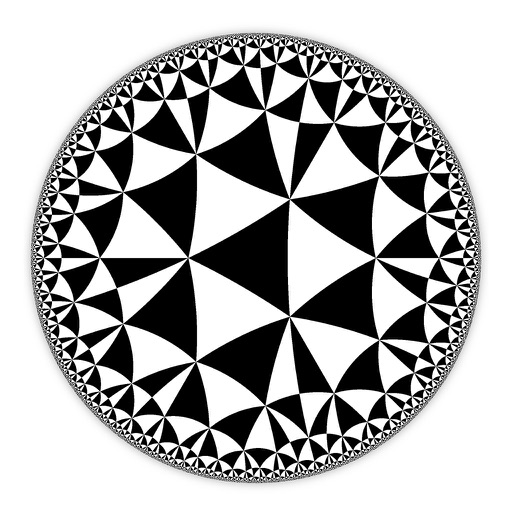
Create and customize hyperbolic patterns using Poincare Disk geometry. Adjust motifs to repeat infinitely within the circular space. Explore non-Euclidean designs with scalable, recursive visuals. Export patterns in various image formats.
by DAVID CROOKS SOFTWARE DEVELOPMENT LIMITED★ 4.67 ratingsGraphics & DesignFreeData updated 2026-09-06
Solve problems to control a and compete against AI. Complete challenges with increasing difficulty. Track progress and earn rewards. Features include interactive puzzles, real-time feedback, and customizable difficulty levels.
The app offers practice for middle school math skills, covering topics like rational numbers, radicals, scientific notation, graphs, and geometry. It provides three difficulty levels per topic and aligns with Common Core State Standards.
The app offers a way to access and review basic geometry concepts. Users can tap areas for detailed explanations and use a quiz to test understanding of terms and concepts.
Practice math with detailed solutions on angles, lines, triangles, circles, coordinate systems, and 3D . Take and save notes. Receive tips for applying concepts.
Learn Quranic surahs through the Louh method. Divide surahs into multiple tablets, each containing 6 verses. Memorize verses in 4 stages with audio segments arranged hierarchically. Repeat and review audio sections for retention.
Access for geometry, algebra, trigonometry, equations, analytic geometry, differentiation, integration, matrices, probability, and statistics. Includes units conversion and math tricks. Perform calculations and look up for students and professionals.
Access live Q&A sessions with Jay Shetty and unlock private meditations and workshops. View video archives of past sessions and engage in monthly live discussions. Participate in group Q&A to explore personal questions and gain insights.
Create virtual outfits using customizable cuts, colors, and patterns. Add prints and accessories to style designs. Use multi-touch gestures to adjust elements and preview creations. Save and share finished designs.
Learn techniques through step-by-step . Explore patterns and designs for jewelry creation. Save and customize bead layouts. Share finished projects and access project inspiration. Track progress and refine skills with interactive guidance.
Create and customize mathematical spirals with adjustable parameters. Explore Archimedean and logarithmic spiral types. Modify radius, angle, and step values. Export spiral designs as images. Share creations via social media or email.
Teaches basic 2D and 3D through interactive and . Helps children recognize , associate them with real-world objects, and improve memory and cognitive skills. Includes shape identification exercises and shape-related games.