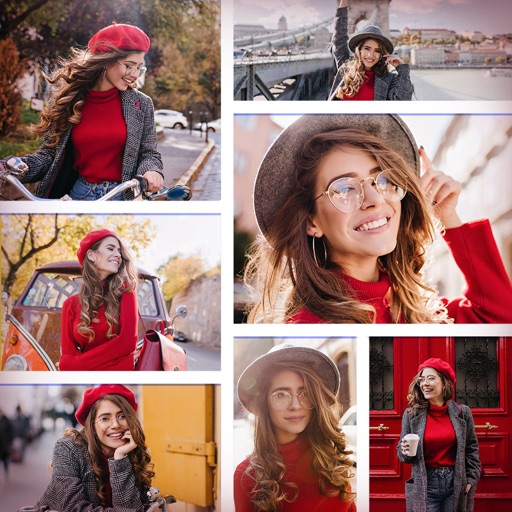
Create collages by combining multiple photos and videos. Choose from , poster, or editor modes. Adjust layouts, add effects, and stitch content together. Edit images with filters, cropping, and text overlays.
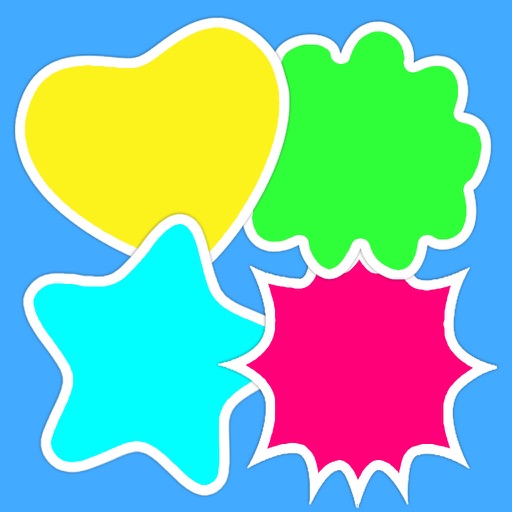
Create collages by adding photos from the library or camera. Choose from multiple frames like heart, round, and star. Adjust photos by moving, pinching, and rotating. Select different backgrounds or use a photo as the background.
The app allows users to create collages by combining multiple pictures. Users can select various frame types, collage backgrounds, effects, colors, and patterns.
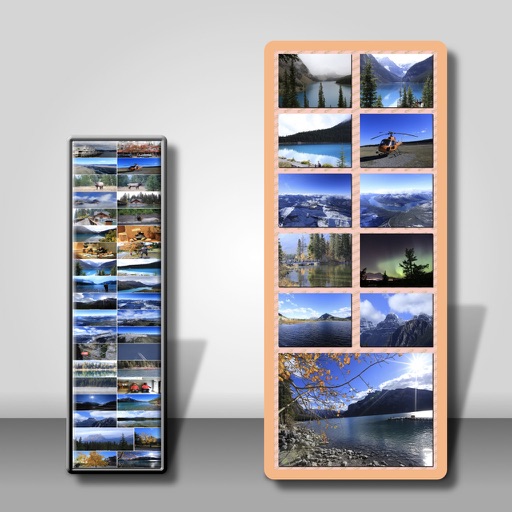
The app allows users to combine multiple photos into a single image. Users can arrange photos horizontally, vertically, or in a grid, with options for margins and margin colors.