Display time and date in full screen with landscape or portrait orientation. Switch between 12-hour and 24-hour formats. Toggle dark and light modes. Choose between flip clock and analog clock styles. Enable or disable flip animation.
Display time with a , digital , and disc widgets. View a full-screen for prominent time display. Track progress with a progress bar widget. Access a Friday calendar widget. Adjust angles for different viewing positions.
The app offers a clock with a clean interface and customizable appearance. Users can choose display colors, select 12 or 24-hour time, and opt to display seconds.
Record time with customizable clock styles including flip, digital, and classical designs. Choose from smooth rotation, second hand sound, and elegant dials. Track time for daily use, study sessions, or focus exercises.
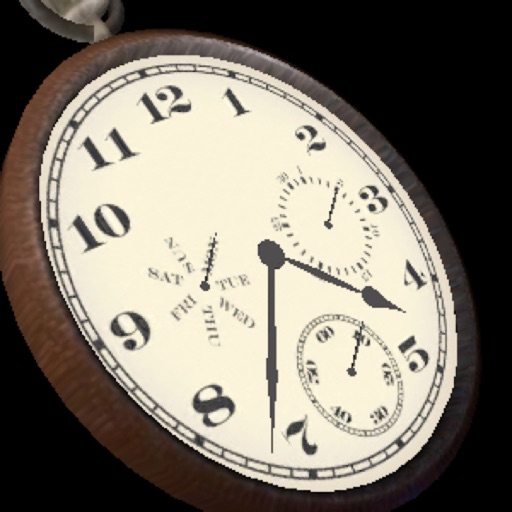
The app displays a three-dimensional analog watch showing the date and day of the week. Users can zoom in and out, and interact with the clock mechanism by turning it around or pushing the knob.
Set alarms with customizable time modes and iTunes music. Choose from six nature sounds. Adjust snooze duration and brightness. Use a bedside clock with a . Add or delete alarms via swipe or tap.
Display time using LED-style buttons representing values for hours, minutes, and seconds. Toggle between 24-hour and 12-hour modes. Set alarms, use countdown timers, and choose beep sounds. Customize button colors for visibility.
A clock with multiple styles including minimalist, analog, and dynamic designs. Users can customize clock appearance, set alarms, and view time in full-screen mode. Widgets offer transparent components and animated time transitions.
Track time with customizable notifications. Choose from various sounds like beeps, chimes, or spoken words. Set custom messages to display on the screen. Specify exact times for alerts, including hours, half-hours, or custom intervals.