Apps Like Breadpad - SPICE Simulator for iPhone and iPad
Simulate circuits and analyze signals
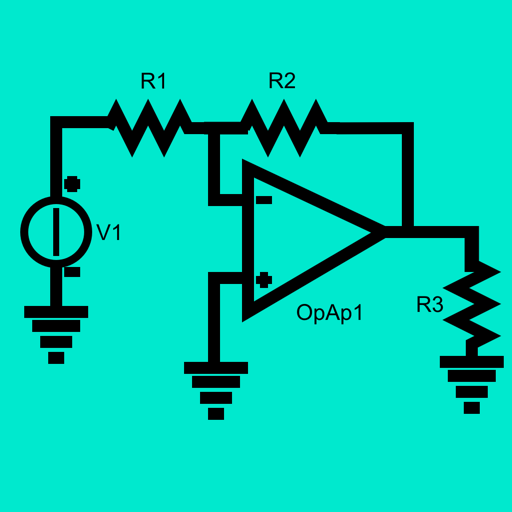
Simulate electronic circuits with engine and virtual instruments. Add components to a breadboard and connect them. Analyze signals using oscilloscope and logic analyzer. Export simulation data. Create or customize electronic parts.
by FreshBizOpps, LLC★ 4.0136 ratingsDeveloper ToolsFreeData updated 2026-09-06
Datasheet search allows users to find electronic components. Resistor color codes and markings are decoded for 4, 5, and 6 band codes. Electronic symbols are displayed according to IEC 60617, IEEE 315, and GOST standards.
Learn strategies with AI-powered tools and expert tutorials. Analyze charts using AI to detect trends and key levels. Upload custom charts for instant analysis. Track market data and set alerts. Access educational content and practice scenarios.
Provides tools for and electronics calculations. Users can compute resistance, voltage, current, and power. Includes resistor color code conversion and voltage drop calculations aligned with NEC/IEEE standards. Supports USCS and SI units.
Access 2,500+ AANPCB and ANCC questions written by U.S. nurse practitioners. Questions are categorized for both exams. Users can answer daily practice questions without a credit card. Track progress and review high-yield content.
Measure acceleration, orientation, and motion with built-in sensors. Record and analyze real-time data for experiments. Detect and generate sound tones. Visualize audio waveforms. Export measurements and graphs for scientific use.
Edit schematics, calculate values, and test circuits
Manage components with a database of resistors, capacitors, and diodes. Calculate circuit values using Ohm’s Law and power formulas. Access schematics, datasheets, and component symbols. Convert units and view component ratings.
Toolkit provides resistor calculations based on color codes or SMD values. It includes an LED resistor calculator and parallel resistor tools. Users can reference electronic components and formulas for design and troubleshooting.
Simulate circuits using components like AND, OR, NOT gates, flip-flops, and multiplexers. Build and test circuits with drag-and-drop components. View output through monitors and adjust inputs manually. Save and share designs.