Apps Like Breadpad - SPICE Simulator for iPhone and iPad
Simulate circuits and analyze signals
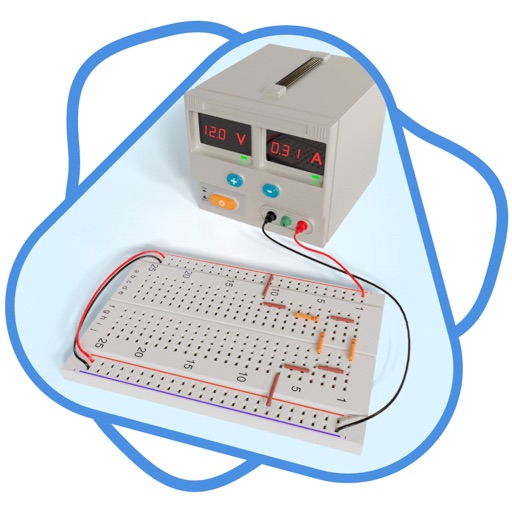
Simulate electronic circuits with engine and virtual instruments. Add components to a breadboard and connect them. Analyze signals using oscilloscope and logic analyzer. Export simulation data. Create or customize electronic parts.
by FreshBizOpps, LLC★ 4.0136 ratingsDeveloper ToolsFreeData updated 2026-09-06
Design and simulate electronic circuits with components like resistors, capacitors, and transistors. View voltage, current, and signal data in real time. Use oscilloscopes and multimeters for measurement. Adjust and test circuits dynamically.
The app allows users to design, simulate, and learn analog and digital electronics. Its simulation engine provides real-time analysis, enabling users to interact with powered circuits and observe results instantly.
Provides tools for calculations and theory. Users can explore Ohm's Law and resistor calculations. Access theoretical concepts in Basic Knowledge and practical exercises in and Advanced sections.
Build and test electronic circuits in a 3D environment. Construct prototypes without physical components. Explore transistor functions and audio filtering. Access a component catalog for circuit design and experimentation.
Calculate circuits, convert units, test experiments
Solve electrical problems by calculating voltage, current, and resistance. Input values to determine unknown variables. Perform unit conversions and conduct experiments. Store and retrieve calculation results.
The app allows users to design, simulate, and learn analog and digital electronics. Its simulation engine provides real-time analysis, enabling users to build circuits with over 300 components, including programmable microcontrollers and digital ICs.
Design and test electronics projects in a virtual workspace. Simulate circuits using over 150 components and 1,000 reference boards. Adjust 3D models and view physics-based interactions. Export project data and share designs.
Calculate electrical values using formulas for voltage, current, resistance, power, and more. Determine wire size and voltage drop. Perform transformer and generator calculations. Convert between electrical units.
Create collages using photos and videos. Add text, stickers, and backgrounds. Include video clips in collages. Share finished projects directly. Edit images with cropping and filters. Save and export in various formats.
Build and simulate linear AC and DC circuits by dragging and rotating components. Calculate steady-state voltages and currents. View real-time DC current flow and review results with detailed analysis. Export schematics and solution data.