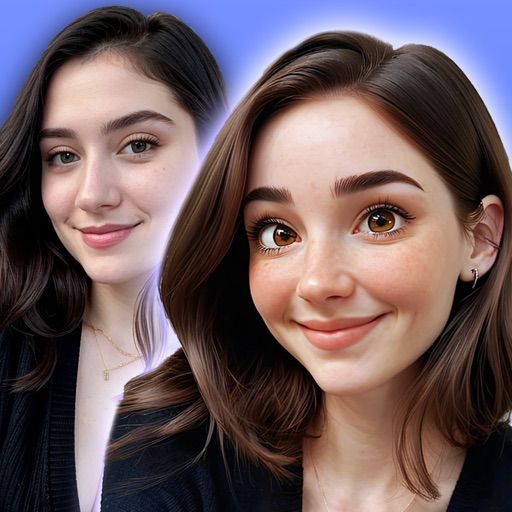
Create AI-generated avatars with customizable styles updated weekly. nd edit images using AI-powered tools. Adjust details like expressions and backgrounds. Export and share final designs directly.
Turn photos into cartoons using AI-powered effects. Pixelate images for pixel art styles. Remove and replace backgrounds instantly. Add rounded borders for profile pictures. Export edited photos in various formats.
Extract colors from photos or camera snapshots. Pan, pinch, and zoom to select areas. View RGB, HEX, CMYK, HSB, and LAB values. Access complementary and Pantone schemes. Export information.
Create wallpapers with predefined frames. Choose from 60+ styles including cute notches, bullet holes, and broken screen designs. Adjust photo size and position. Save and share wallpapers directly. Supports all iPhone models from 7 to 13 Pro Max.
Edit screenshots with redact, highlight, underline, strike, blur, blend, and pixel tools. Create and customize screenshots with notes, text overlays, GIFs, and device mockups. Adjust shadows and fillets for precise styling.
Convert photos into -style artwork using AI technology. Adjust style settings and apply filters. Save or share the edited images. Create avatars from photos. Export in various image formats.
Edit photos, create avatars, generate digital artwork
Edit photos with AI-powered effects, including 3D avatars, anime-style portraits, and pencil sketch filters. Customize artwork with color adjustments and effects. Export and share transformed images directly.
Create professional logos using AI-generated designs based on brand descriptions or style choices. Customize fonts, colors, icons, and layouts. Export in HD PNG, SVG, PDF, or EPS. Build a brand kit for merchandise and social media.
Create art with layers, animation, and onion skinning. Import color palettes from Lospec or use built-in options. Zoom with pinch, draw with tap, and view mini-previews while dragging. Sync with Aseprite for file transfer.
Create pixel art sprites with drawing tools and a powerful engine. Open and edit pixel art files from Files. Use iCloud Drive for cloud storage. Support Apple for precise input. Import and customize color palettes.
Edit photos with AI-powered filters, face swapping, and style transformations. Create art in anime, surreal, or modern styles. Generate business headshots with AI. Export and share edited content directly.
Create AI avatars from photos and generate AI art from text prompts. Customize avatars with different styles and expressions. Share avatars as profile pictures or on social media. Edit and export AI art in various formats.
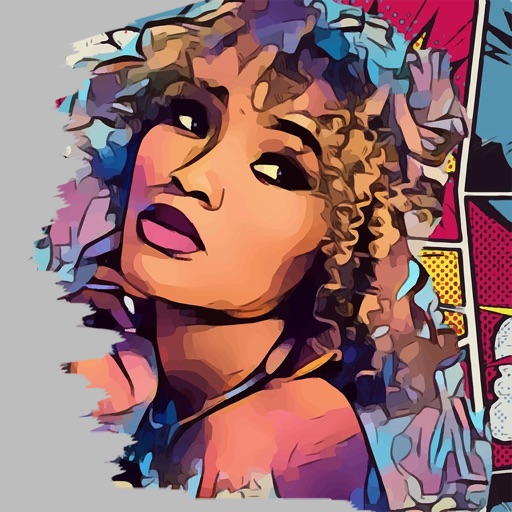
Convert photos into or anime-style images with AI-powered tools. Apply comic filters, adjust colors, and add artistic effects. and share transformed images directly.