Fry the last frame of videos to upload to TikTok. Edit memes by frying images or GIFs from the photo library or Gfycat. Share finished memes to camera roll or via iMessage as stickers. Open created memes in TikTok and Snapchat.
Create immersive videos with AI-driven special and editing tools. Add transitions, animations, and text overlays. Import footage from iPhone or professional cameras. Export in various formats for social media and other platforms.
Edit photos and videos with AI-enhanced filters, animated effects, and advanced adjustments. Apply customizable effects to enhance scenes. Add text, stickers, and transitions. Export in various formats and share directly.
Capture with real-time live effects and color presets. Apply adjustable effects and enhance colors simultaneously. Use screen flash for better results in low light. Share directly from the .
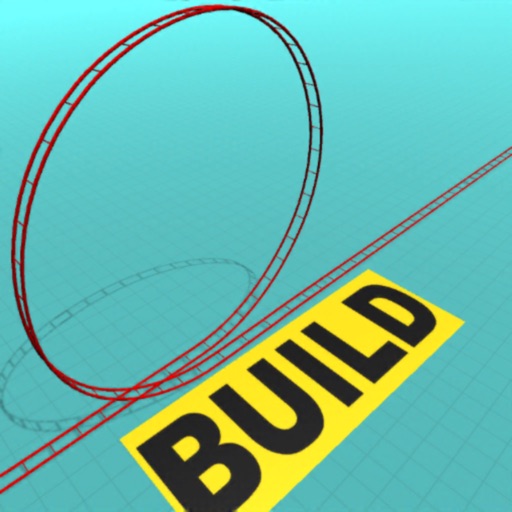
Build and customize coasters by laying tracks and adding scenery and props. Ride your creation or explore others' designs. Access virtual reality mode for immersive experiences. Share rides with other users.
Edit photos and videos with like Analog Noise, Digital Noise, and VHS Noise. Apply such as Color Aberration, Datamosh, and Pixel Sorting. Save edited content as animated GIFs. Export in 4K resolution.
Play jigsaw puzzles by sliding cards into position. Flip face-down cards to reveal hidden images. Match pieces to complete scenes. Snap cards to unlock new challenges. Track progress and replay completed puzzles.
Convert videos to Photos with one tap. Trim clips, adjust aspect ratio, and choose custom covers. Save in HEIC format for iOS 17+. Create dynamic wallpapers from travel scenes, pet moments, or daily memories.
Apply creative filters to layers including blend, mask, pointillize, frame, distort, and more. Stack and save filter templates. Add motion with transition and create videos using built-in tools.
Apply winter-themed to images. Adjust frame opacity and position. Share edited photos directly. Add text overlays and decorative elements. Export in various formats.
Navigate, solve, and restore light in architectural
Navigate through architectural environments to solve puzzles and restore light. Use haptic feedback and ambient music for immersion. Switch between iPhone and iPad modes. Complete unique puzzles in each level. Explore detailed, atmospheric settings.
Customize device home screens and lock screens with animated time-lapse scenes, pet animations, and abstract patterns. Set dynamic and themes. Download new animations weekly. Create custom with editing tools.
Edit photos by dragging, resizing, or shrinking body parts to simulate transformations. Adjust facial features like nose, chin, and buttocks. Save and share modified images directly. Apply warping effects for fun or social media use.
The app manages photos with 18 functions including camera, video, and editing tools. Users can apply numerous effects and filters to photos and videos, and display them in various carousel styles.
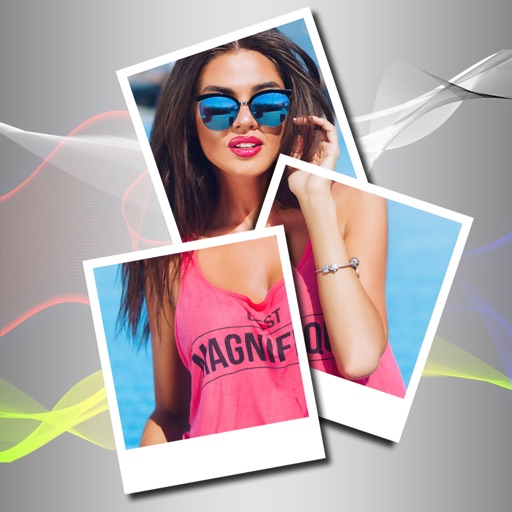
Edit photos with filters, backgrounds, and effects. Adjust skin tone, eyes, and hair. Apply one-tap enhancements for natural results. Share edited images directly to social media. Add text and stickers to photos. Export in multiple formats.
Edit photos with , cropping, and brightness adjustments. Add text, stickers, and borders. Export in various formats and share directly. Apply exclusive and enhance images with advanced tools.
Set device and with time-lapse sceneries, pet photos, and abstract patterns. Add animations to lock screen. Choose from curated collections and apply directly to home screen or lock screen.