Apps Like Face Shift - AI Camera for iPhone and iPad
Scroll time to edit photos and videos
Edit photos by adjusting individual faces forward or backward in time to open eyes or capture smiles. Manipulate the entire image across time for different starting positions. Share edited photos directly.
by Eddy .★ 0.00 ratingsPhoto & Video$0.99Data updated 2026-09-06
The app automatically retouches facial photos by smoothing skin, removing imperfections and wrinkles, enhancing eyes, and whitening teeth. It also offers artistic effects and sharing options.
Customize Apple with a variety of pre-designed options and a built-in editor to modify designs. Choose from diverse styles, colors, and layouts. Adjust elements like fonts, backgrounds, and complications. Save and share created .
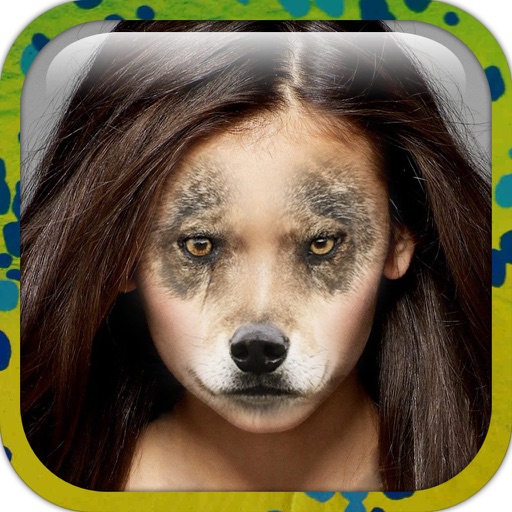
Edit photos by applying faces and filters. Choose from free templates to try on. Upload photos from albums or Facebook. Share edited images on Twitter or Facebook. Select preferred for personal use.
Edit videos and photos with VHS effects, including color compression and signal noise emulation. Apply various filters for different styles. Export edited content in multiple formats and share directly.
Switch faces in real-time using a friend’s photo or a celebrity image. Record videos or photos with swaps. Choose from internet images or phone gallery. Share finished videos or images directly.
Change faces to celebrities, movie stars, or any person using one photo. Apply AI-generated styles with strict privacy protections. Access diverse character libraries for creative swaps.
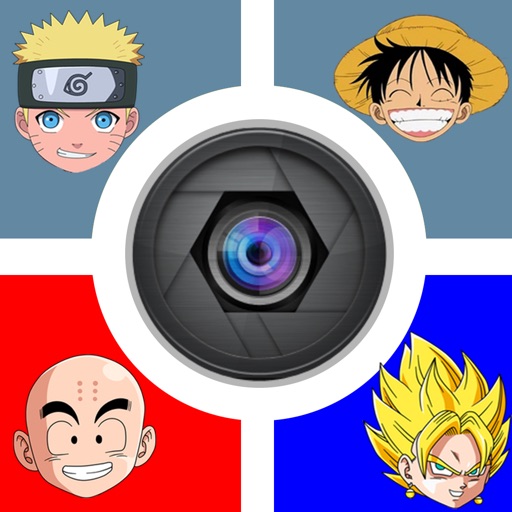
Edit photos by replacing faces with characters from popular series like Naruto or One Piece. Move characters freely within images. Save edited photos to a studio and share them on social media.
Capture photos of pets with open eyes and closed mouths. Add playful stickers for expressive eyes and mouths. Choose pop songs to sync with pet videos. Share finished videos on TikTok, YouTube, and other platforms. Save and share created content.
Capture selfies with real-time effects and filters. Apply blemish-free skin touch-ups and makeup instantly. Choose from a variety of color filters. Edit photos with one-tap styling options. Share edited images directly.
The app allows users to control video playback using tapping gestures on their device. Tapping the left side steps forward, the right side steps backward, and a double-tap on the back plays or pauses the video.
Edit photos to closed eyes using AI technology. Change eye colors with a variety of options. Swap eyes between individuals in portraits. Adjust and enhance eye details for artistic or corrective purposes. Export edited images in standard formats.
Create funny videos and photos with face and voice effects. Apply exaggerated facial features and silly voice filters. Edit face and voice changes non-destructively after recording. Share final edits directly.
Edit photos with AI-powered restoration tools to enhance clarity and sharpness. Fix closed eyes in portraits and improve overall image quality. Export edited photos in various formats and share directly.
Edit photos with AI-powered and body enhancements. Smooth skin, remove blemishes, and adjust body contours. Make precise edits without altering the rest of the image. Export edited photos in various formats.
Edit photos and videos with filters, effects, and frames. Crop, adjust brightness and contrast, and add text. Share edited content directly with friends.
Create animated videos by adding to photos and syncing with sounds or quotes. Edit mouth positions and import images from albums or online. Share finished videos as messages or files.
And videos to obscure specific areas or entire footage. Adjust shapes, trace with finger, or auto- faces and cars. Process audio and change speed. Create fluffy effects.
The app allows users to combine two face photos from their library or camera. It automatically detects faces to create blends that produce humorous results.
Edit photos by swapping faces into scenes and posters. Search for movies or TV to find swap-ready images. Adjust facial features for seamless integration. Save and share edited results directly.