

Apps Like 9Cut for iPhone and iPad
Cut images into nine slices
The app cuts an image into nine slices. Users can choose the whole view shape, zoom, and move the image before saving the slices.
9Cut screenshots
Ranked alternatives
Showing 541–560 of 1,000 ranked alternatives.


HEIC to JPG - Pics2PDF
Shivam Rishi
Convert photos to PDF instantly
Convert photos to PDF, JPG, or PNG instantly. Supports , HEIF, JPEG, and PNG formats. Maintain full image quality with no loss. Set custom file names and preview before saving. Merge multiple images into a single PDF.


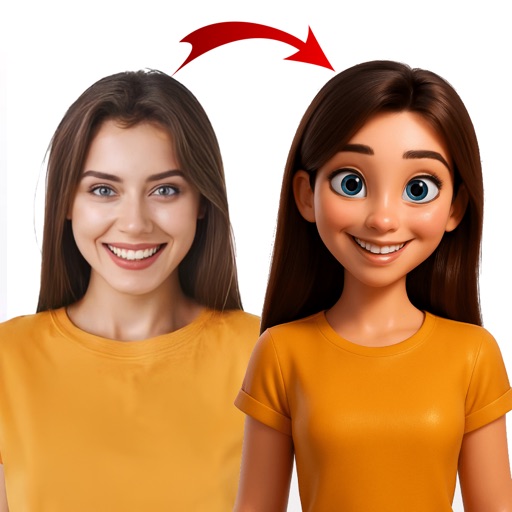

CoolFaces: Like a boss!
Ki Tat Chung
Create cool photos with fun items.
The app allows users to create photos by adding items like glasses and hats. Users can apply image effects, draw their own elements, and share their creations to social media platforms.
NoteImaging
tadashi atoji
Create image from text note.
The app generates an image from a text note. An operation manual is included to guide users through the process.

PixBinder
Tomohiro Yamashita
Organize image files with simple actions.
The app allows users to create and remove albums. It provides logical operation results through simple actions for organizing image files.


SawDance - AI Video Generator
JiNan Chi Yuan Network Technology Co.,Ltd
Convert text to cinematic videos
Create cinematic videos from text or image prompts using AI. Generate multi-shot, high-quality 1080P videos. Edit clips, add transitions, and export in various formats. Share directly or integrate with editing tools.
12th Player ( 2014 Soccer Jerseys : iFaceMaker ) Lite for Lock screen, Call screen, Contacts profile photo, instagram and iOS7 & iPhone
Younggam Communication
Decorate screens with custom images.
The app allows users to create and decorate images for Lock and Call Screens, contacts, and Instagram. Users can add text and photos, with features for previewing and saving edits to a personal gallery.

How we rank alternatives
Apps are ranked by functional similarity, category fit, rating confidence, and popularity.