
iPhone Screenshots
Description
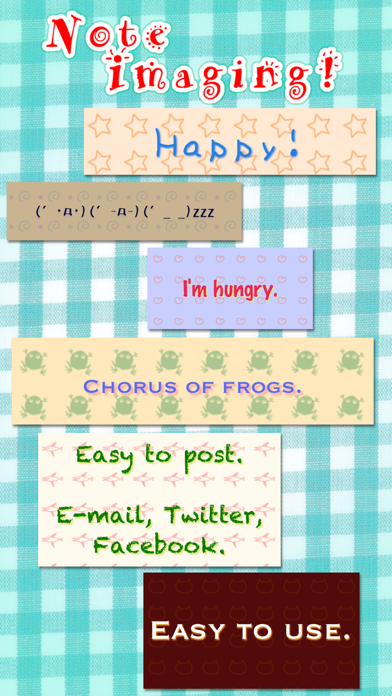
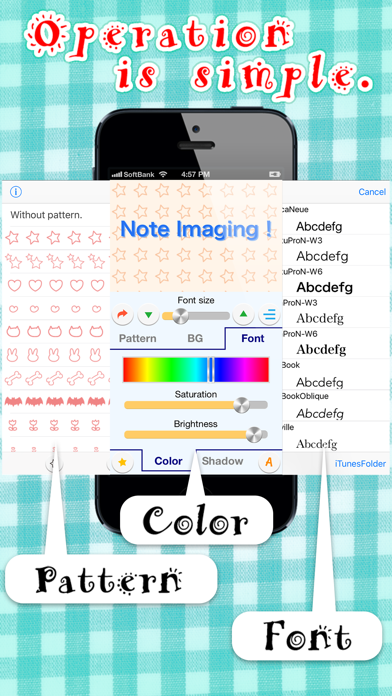
The app generates an image from a text note. An operation manual is included to guide users through the process.
This app create the image from the text note.
You will be surprised it is so easy :)
Operation manual included.
◆ Using iTunes, You can install the font files.
How to Operation
1. Select your iOS device from the Devices section of iTunes.
2. Click the Apps tab and scroll down to the bottom of the screen.
3. You can find "NoteImaging" and select it.
4. Add the ttf font files into Documents.