Apps Like PixelPoint - Photo Editor for iPhone and iPad
Edit photos and apply stylish filters
Edit photos with filters, cropping, and brightness adjustments. Add text and stickers. Export in multiple formats and share directly. Apply stylish free and premium filters for social media use.
by Oliver Rice★ 4.6458 ratingsPhoto & VideoFreeData updated 2026-09-08
Edit photos and videos with 60+ master filters for vintage, vivid, or professional looks. Create collages using 100+ freestyle layouts. Adjust brightness, contrast, and saturation for precise edits. Export in HD format and share directly.
Edit photos with cropping, filters, and adjustment tools. Share images in the community for feedback. Join photo contests and challenges. Upload and view user-generated content. Apply editing enhancements to improve photo quality.
AI automatically detects and removes , people, and backgrounds from photos. Users can edit photos with skin whitening, acne removal, body reshaping, object erasing, background changes, cropping, text addition, and filters.
Capture photos with a retro film aesthetic. Adjust exposure, contrast, and color balance. Add vintage filters and grain effects. Share edited images directly to social media. Export in high-resolution formats.
Edit photos with cropping, rotating, and filter adjustments. Retouch selfies and enhance lighting. Share to Facebook, Instagram, and IG stories. Save custom filter recipes. Batch edit multiple photos. Use + to stack filters and adjust strength.
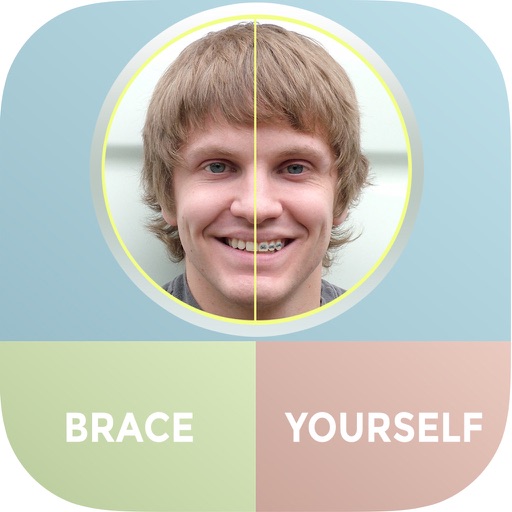
The app allows users to see themselves with braces using their iPhone and iPad. Users can add multiple sets of braces to photos and share them via Facebook, Twitter, or email.
RAY INFORMATICS YAZILIM TEKNOLOJI MEDYA DANISMANLIK VE EGITIM TICARET LIMITED SIRKETI
Edit portraits with AI precision
Edit portraits with AI-powered depth control and background blur. Adjust aperture, bokeh, and focal length for realistic DSLR effects. Capture cinematic shots with intuitive controls. Sync with Apple Health for fitness tracking.
Edit photos and videos into paintings using 31 presets and 12 professional tools. Apply AI-generated effects with machine learning assistance. Adjust colors, brushes, and textures for custom artwork. Export edited media in various formats.
Apply color-correction filters to videos and photos. Adjust exposure, contrast, and color balance. Access 7 built-in filters with examples from 6 sets. Load media as a digital negative for detailed editing. Save all 6 filter sets for a limited time.
Edit photos with filters, cropping, and AI enhancements. Create AI-generated art and avatars from images. Convert photos into animated videos with motion and effects. Design custom layouts and export in various formats.
Take photos or select from gallery. Apply beauty filters and edit selfies. Use over 240 filters and 800+ stickers. Crop photos and adjust sizes. Edit photos with built-in effects and blending tools.
Edit photos by adding speech bubbles with 15 styles and customizable colors and fonts. Create collages with comicbook-style layouts. Share photos directly from the . Drag, rotate, and pinch elements for editing.
Capture photos with custom film simulations and adaptive grain. Use live analytics for exposure adjustments. Share directly from the . Edit images with advanced controls and export in high-quality formats.
Allows manual adjustment of exposure up to 1 second. It separates residual and ISO enhancement for improved clarity in low- conditions. Users can tap to focus and capture clearer images during daylight or in dark environments.
Capture photos and videos with manual controls for ISO, shutter speed, and white balance. Shoot in RAW format for detailed editing. Apply advanced effects and instant color grading. Use professional filters to enhance visuals.
Edit photos and videos with 300+ filters and presets. Apply overlays and adjust colors and brightness. Save edits in multiple formats and share directly. Sync with social media platforms for seamless posting.
Old by removing scratches, fixing damage, and enhancing clarity. Adjust brightness, contrast, and color. Share restored images directly or save in high resolution.