The app allows users to create a moving collage from disparate fragments. It contains black and white looping animations that can be repositioned and scaled to create a narrative.
by jody zellen★ 5.03 ratingsEntertainmentFreeData updated 2026-10-12
Create videos using AI by adding text, music, and transitions. Edit photos with filters, effects, and AI enhancements. Generate AI art from images or ideas. Export and share final content directly.
Capture frames using the iOS device camera. View differences between frames with onion skinning. Preview frames in a scrollable timeline. Adjust exposure, white balance, and focus automatically. Share finished animations directly.
Create virtual tattoos on photos by selecting from 100+ black and white or 60+ color totems. Add text or captions and adjust position, rotation, size, font, or color. Save edited images to the photo library or share via social media.
Create custom collages and photos with precise measurements. Adjust using millimeters, centimeters, and inches. Rotate and mirror images for accurate alignment. Export and directly from the .
Create geometric patterns and ornamental designs with adjustable shapes and colors. Generate 3D models, kaleidocycles, Escher-style spirals, and animated GIFs. Export as videos or images. Transform and deform patterns with intuitive tools.
Create collages using various layouts. Stitch screenshots into long screenshots. Add text, stickers, and backgrounds during editing. Export edited content.
Create collages using free backgrounds, stickers, and fonts. Add text and images. Save collages to device or print. No account or social sharing required. Suitable for classroom and children use.
The app combines music, art, and science for a relaxing experience. Users can guide star flow with multiple fingers, creating up to 10 different animations based on touch points.
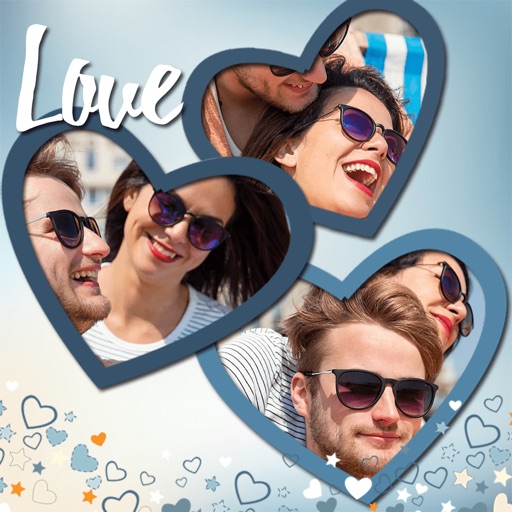
Create collages by combining multiple photos. Add romantic and text. Share collages via social media or messaging. Customize layouts and edit images within the .
Capture moments with text, photos, or audio snippets. Save them without editing or organizing. Share selected stories later. View and revisit collected content over time. Connect with others through shared stories.
Create collages from up to 9 videos. Choose from various frames or none. Add visual and music. Use editing tools to customize projects quickly. Access templates for inspiration. Share finished collages directly.
The app allows users to create picture collages with various styles like Picture Pile, Picture Grid, and Mosaic. Users can add text, exchange pictures by dragging, and pan or zoom individual images within frames.
Edit videos with timeline scrolling and zooming. Cut and trim clips for precise editing. Manage multiple layers to create complex compositions. Add transitions between clips. Export final edits in various formats.