
iPhone Screenshots

Description
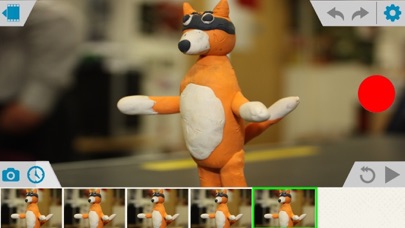
Capture frames using the iOS device camera. View differences between frames with onion skinning. Preview frames in a scrollable timeline. Adjust exposure, white balance, and focus automatically. Share finished animations directly.
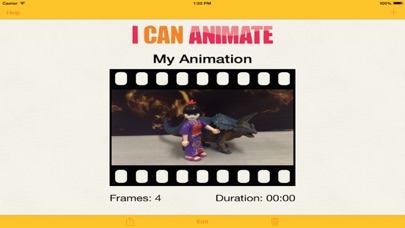
Create stunning and exciting animation movies quickly and easily. With I Can Animate you can bring the art of creating stop-frame animations to your iOS devices and then share them for all to see.
I Can Animate has some really great features:
• Capture frames using either camera on your iOS device
• Displays onion skinning, so you can easily see the differences between frames you are capturing.
• Preview captured frames in the scrollable timeline.
• Adjust exposure, white balance and focus automatically or manually lock the settings.
• Duplicate & Reorder frames
• Review last five frames
• Preview whole project
• Undo support
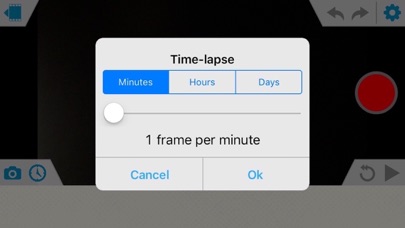
• Capture automatically using the inbuilt time lapse feature
• Standard & Widescreen display
• Full 1080p supported (device dependant)
• Change playback speed
• Rename Projects
• Supports a library of multiple projects
• Connect a bluetooth keyboard and capture frames without returning to or tapping the device (iOS7+).
• Help guide included
Share your movies
• Export your animation in three movie sizes: medium, large 1080p HD. (iPhone 3Gs only supports medium - 360p export)
• Exported animations can be added to your camera roll, Facebook, Youtube & Dropbox.
I Can Animate provides hours of fun for both the serious and amateur animators. Join with the thousands of existing users enjoying I Can Animate and begin filming fantastic animations with your. iOS device.
There's also a free iBook download on the website.