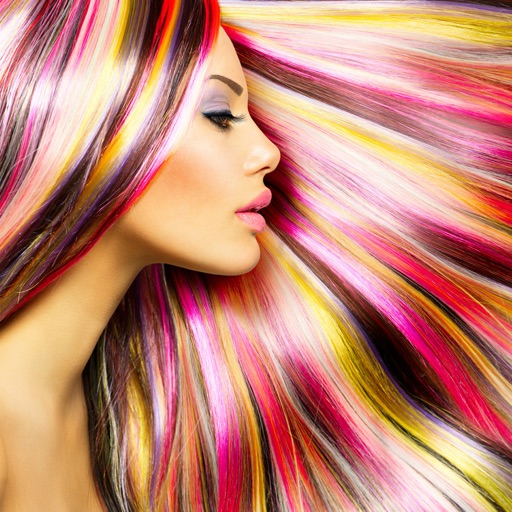
The app uses an automatic colorization technique based on scribbles to change object colors in photos. Users can mark parts of an image with any color and the app will apply the changes.
by Leszek Szary★ 4.419 ratingsPhoto & Video$1.99Data updated 2026-10-12
Create 3D drawings using finger gestures without glasses. Design custom 3D brushes. Choose from 8 background patterns or generate them from photos. Adjust brush settings based on pressure for 3D Touch devices.
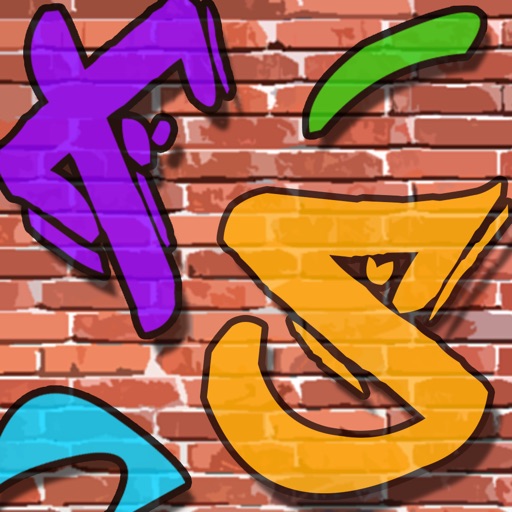
Create graffiti art using realistic cans in various colors and sizes. Choose colors and sizes to paint on a virtual wall. Delete or undo drawings. Share artwork with friends.
The app offers a powerful, beautiful, and simple pixel editing experience for professionals, hobbyists, and newcomers. It features a clean interface, responsive drawing, unlimited undo, and a robust toolset for creating pixel art.
Turn photos into retro video game-style images. Select pixel shapes, sizes, and color schemes. Adjust colors and flatten palettes. Pinch to resize pixels or double-tap to switch color modes.
Edit photos using like Linear, Vignette, and Sepia. Adjust brightness, contrast, and color with tone curve tools. Apply blur, focus, and rotation. Add stickers, text, and emoticons. Crop and resize images.
Allows users to select from a variety of pages featuring characters from the 67 book. Users can choose colors and designs to fill in pages. Save and share completed colorings.