The app uses an automatic colorization technique based on scribbles to change object colors in photos. Users can mark parts of an image with any color and the app will apply the changes.
by Leszek Szary★ 4.419 ratingsPhoto & Video$1.99Data updated 2026-10-12
Create and edit drawings using various tools like Pen, Line, Arrow, Rect (Stroke/Fill), Ellipse (Stroke/Fill), Eraser, and Text. Choose from multiple colors including Black, Red, Green, Blue, Yellow, and more. Save or share drawings directly.
Edit photos to change using 40+ pre-defined shades. Draw and erase unwanted areas. Save edited images. Apply visual effects without makeup. Adjust and preview changes instantly.
Create home screen with customizable . Adjust background and text colors. Add, edit, or remove . Change font style and color for personalized appearance.
Allows children to draw using color selection, shape tools, and an eraser. It plays when drawing and includes a random color option. Users can change line thickness and save drawings.
The app allows users to create finger paintings with adjustable opacity and brush sizes. Users can mix custom colors, utilize a palette of 10 colors, and an eraser.
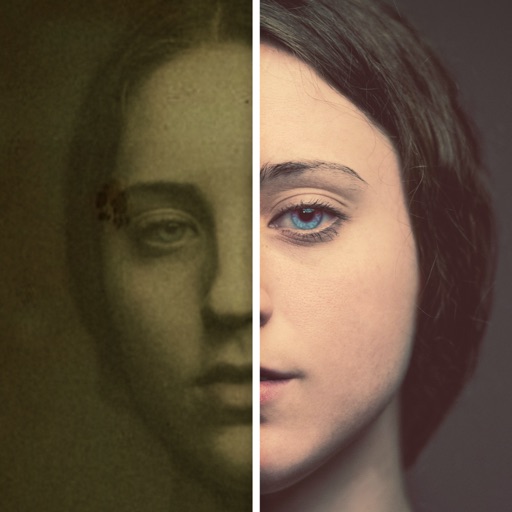
Allows users to restore damaged photos using AI algorithms. Users can remove scratches, blur, and discoloration. The enhances visual clarity and transforms old photos. AI filters and creative styles can be applied for artistic effects.
AI enhances photos and videos with one-tap processing. Adjust brightness, contrast, and color balance. Remove blemishes and imions. Add text overlays and stickers. Export in various formats and share directly.
Control a to break same-colored obstacles and reach the bottom. Tap and hold to move. Collect shield items to change obstacle colors. Earn higher scores with longer continuous movement. Encounter various obstacle types.
Edit photos by removing backgrounds and replacing them with custom colors. Erase unwanted objects with a single touch. Adjust and enhance images for sharing on social media.
Create virtual tattoos on photos by selecting from 100+ black and white or 60+ color totems. Add text or captions and adjust position, rotation, size, font, or color. Save edited images to the photo library or share via social media.
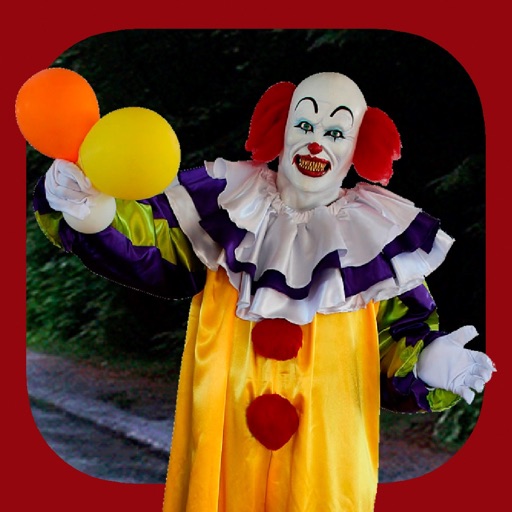
Add clown to photos for a scary effect. Choose from available , position them, and change background to black or white. Edit images using built-in tools and save or share the modified photos.
Digitize negative and positive color films with high-quality scanning. Edit scanned images using intuitive tools. Adjust exposure, contrast, and color balance. Save and share edited photos directly.