Apps Like Pixely: Pixel Art for Everyone for iPhone and iPad
Create notable pixel art on canvas.
The app offers a clean interface and clear canvas for creating pixel art. It includes features like onion skinning for game sprite creation and supports large canvases up to 4096x4096 pixels.
by Mark Marchione★ 4.117 ratingsGraphics & Design$1.99Data updated 2026-10-11
Infinite : No size limits—draw endlessly, in for detail or out for overview. Create, sketch, plan, and mind-map without boundaries. Export artwork in multiple formats and share directly.
Create NFT art using a art creator. Design and save custom NFTs. Export to photo library for upload to marketplaces like Opensea and Rarible. Use RGB color sliders and pre-made color palettes.
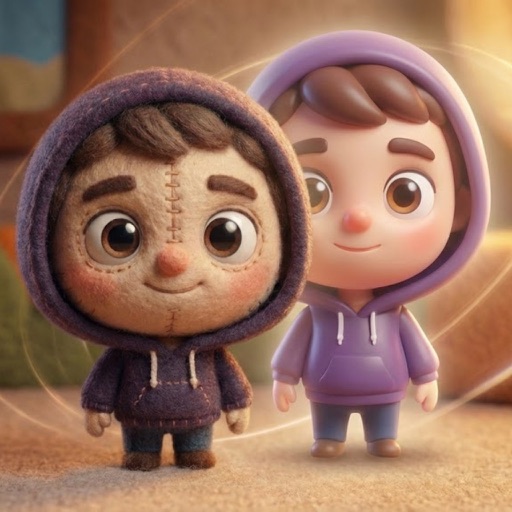
Convert photos into AI-generated cartoons, caricatures, and artistic portraits. Choose from 15+ styles including 3D characters, clay motion, paper cut-out, pixel art, and marble sculpture. Edit and export results directly.
Apply filters inspired by real color film prints to photos and videos. Adjust colors pixel by pixel for realistic results. Save images in high resolution without quality loss. Compatible with editing software like Premiere Pro and Photoshop.
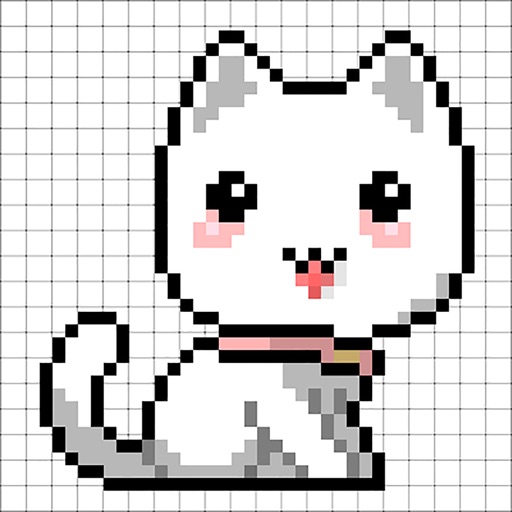
Create and edit pixel art with layers, filters, and animation tools. Adjust opacity and blend modes for complex compositions. Use high zoom levels for detailed work. Access color palettes and edit sprites for retro game design.
Create animated GIFs from Live Photos, burst shots, videos, or still images. Adjust slide speed and generate emoji-style animations. Export GIFs in various formats and share directly to social platforms.