Apply color-correction filters to videos and photos. Adjust exposure, contrast, and color balance. Access 7 built-in filters with examples from 6 sets. Load media as a digital negative for detailed editing. Save all 6 filter sets for a limited time.
Edit photos using curated Lightroom for portraits, landscapes, and social media content. Organize into categories, save favorites for quick access, and apply them with a single tap. Export edited photos in various formats.
Edit photos with auto enhancement, artistic sketches, beautiful paintings, and funny cartoons. Apply 700+ filters and . Add frames and stickers. Share edited photos directly.
Create images from text prompts with AI. Generate realistic photos, bold art, and layouts. Edit images to adjust details, extend scenes, or remove backgrounds. Design logos, headshots, and marketing materials.
Convert photos into sketches using up to six different image effects. Apply filters, adjust contrast, and save or share the edited images. Export in various formats and view before-and-after comparisons.
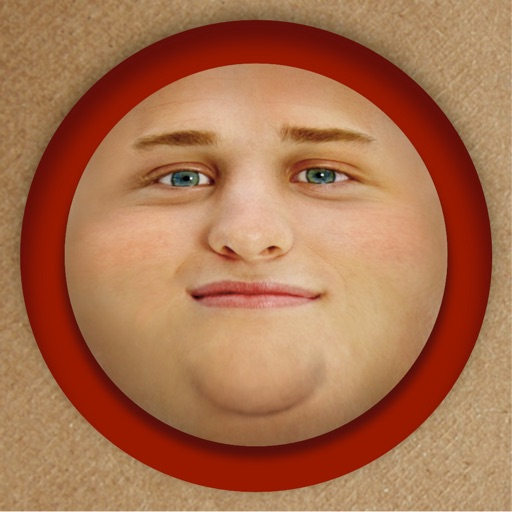
Edit photos by adding exaggerated weight gain effects to faces. Share modified images via email, iMessage, Instagram, Snapchat, Facebook, Twitter, and WhatsApp. Toggle between original and altered views using device shake.
Allows users to apply effects to backgrounds. Select images from the gallery or capture new photos. Use multiple blurring tools to adjust the effect. Export edited images directly.
Blur faces or sensitive information with a single tap. Apply masks, adjust blur intensity, and resize or rotate blurs. Preview, save, and share edited photos. Protect privacy by blurring documents, license plates, or unwanted elements.
RAY INFORMATICS YAZILIM TEKNOLOJI MEDYA DANISMANLIK VE EGITIM TICARET LIMITED SIRKETI
Edit portraits with AI precision
Edit portraits with AI-powered depth control and background blur. Adjust aperture, bokeh, and focal length for realistic DSLR effects. Capture cinematic shots with intuitive controls. Sync with Apple Health for fitness tracking.
Find lookalikes using AI. Create collages with gradient face-to-face effects. Share with hashtag #looklikeme. Transform photos into art with AI styles. Upscale images for better clarity. No photo storage.
Edit photos with crop, rotate, exposure, color, sharpness, and resize tools. Create grid collages and edit individual images. Access presets, clone tool, and fine curve adjustments for detailed edits. Export and share edited photos directly.
Create gallery-style portraits from images using automatic painting tools. Add color, light, and texture for realistic effects. Choose between classic-style brushes or modern-colored options. Save and share finished artworks.
Edit photos by applying local filters to specific image areas or text. Add multiple graphics and text elements with different filters. Export edited images in various formats and share directly.
The app provides a photo editing experience with numerous effects. Users can select a picture and apply various filters like Night Vision, Heat Cam, Ripple, and Alien.
Turn text into digital artwork instantly. Remix photos into new styles. Design custom logos and visuals. Generate high-quality images without design skills. Edit and export AI-generated art in various formats.
Edit photos with seasonal frames and nature effects. Select images from the gallery or take new photos. Apply filters and effects to enhance visuals. Save and share edited photos directly.