The app allows users to film videos and take snapshots using front and rear cameras. It offers digital zoom and the ability to freeze images for increased resolution.
by Evolutive Apps S.L.★ 4.616 ratingsPhoto & VideoFreeData updated 2026-10-09
Take photos with high-resolution settings. Apply 40 free filters, including a popular pink filter. Edit images with color adjustments and effects. Add creative accents to photos. Share edited photos directly from the .
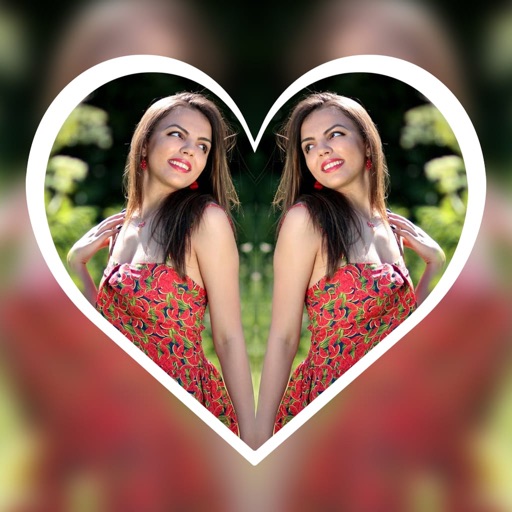
Create reflection effects with left-right, up-down, or repeat options. Apply effects and designer frames to enhanced images. Select from gallery or capture new photos for editing. Export and share edited images.
Edit photos by applying and effects. Select images from the gallery or camera. Adjust frame position, size, and angle. Choose from multiple stylish frame options and effects.
Edit photos with effect and features. backgrounds and apply black-and-white conversion. Select areas for contrast. Zoom with two-finger pinching. Adjust brush size, opacity, and offset. Export edited images.
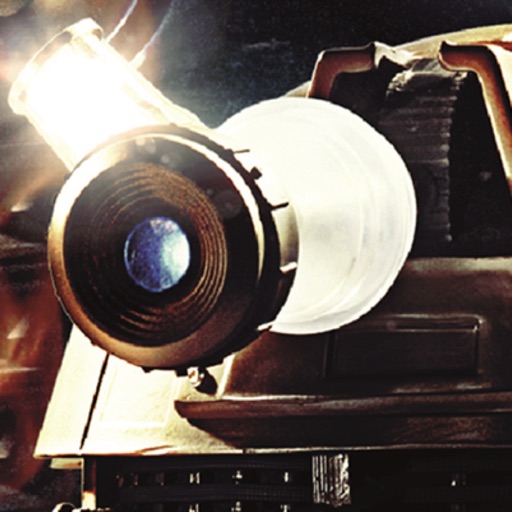
The app transforms devices into a Dalek's lens for photos and movies. It offers seven visual effects from Doctor Who's history, including black and white and thermal imaging.
Records video automatically when is detected. Allows sending videos to Dropbox or iCloud Drive. Choose resolution options including 4K and frame rates up to 240fps. Define detection zones for specific areas.
Create and manage albums. Import and export from the photo . Preserve and view Exif data including date, ISO, and GPS. Search by caption or description. Create slideshows and play videos. Edit with cropping, orientation adjustments, and filters.
Create self-portraits with sketch and artistic effects. Apply filters like sketch, painting, and pixelate. Save photos to the library or share on social media platforms. Print images directly.
Edit photos by selecting from a gallery or taking new ones. Choose from various -themed to enhance images. Save and share edited photos directly. Create postcards by combining photos with . Adjust and export final edits in different formats.
Edit photos with splash effects, convert images to black and white, or apply custom colors. Add filters, zoom in on photos, and use a brush tool. Export and share edited images directly.
Control the quadcopter via Wi-Fi using a joystick or gravity感应. View real-time camera feed, capture and review photos and videos. Enable automatic flight paths, voice commands, and gesture controls. Support VR mode for immersive viewing.