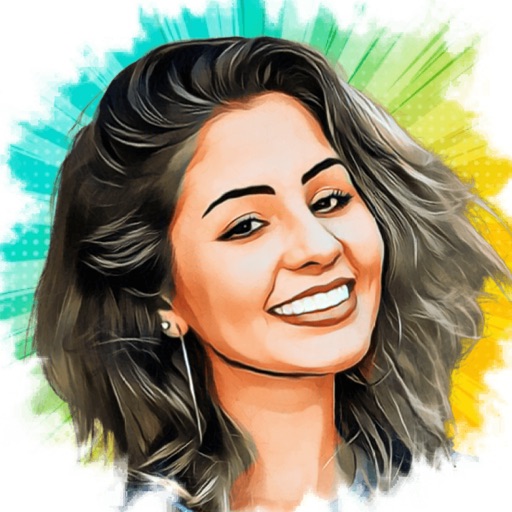
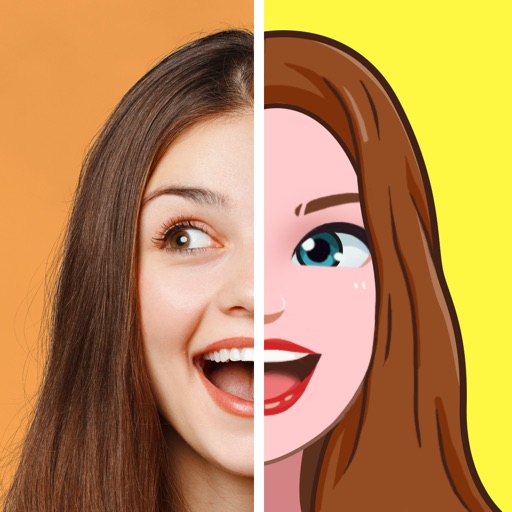
Take photos with customizable cartoon frames. Select from over 20 styles for backgrounds and panoramas. Edit images with filters and effects. Share photos to social media or save to the photo library.
Edit photos to create funny cartoons, caricatures, and sketches with 9 styles. Apply filters and adjust details for high-resolution output. Convert videos into clips using live preview or one-tap conversion. Share edited content directly.
Create and style photos with single tap effects. Apply 8 filters including , Cartoon, and Dots. Share images to social media or save to photo library. Print photos directly.
Turn photos into drawings, cartoons, or sketches with one click. Apply 19 effects with full control. Save creations and share via Facebook, Twitter, Flickr, Tumblr, and Email.
Convert photos to style using AI-driven technology. Upload or take a selfie to generate a hand-drawn portrait. Share the result on social media. Participate in the # challenge by posting transformed images.
Convert photos into sketches or cartoon avatars using 50+ effects like , Memory Style, and Old Movie Style. Apply 50+ cartoon effects to create humorous or artistic images. Save and share the edited photos directly.
Convert photos into -style characters using AI technology. Select a photo or use the to generate avatars. Customize backgrounds, animate scenes, and share created artwork. Edit and refine cartoon faces with various styling options.
Convert photos into various artistic styles including 15th, 18th, and 20th century paintings. Transform selfies into 3D characters. Generate royalty-style drawings or baby versions. Apply AI-generated art filters and save or share the edited images.
Edit photos with AI art style transfer and realistic filters. Add beautiful frames and apply FX or blur effects. Turn portraits into canvases or cartoons with magic effects. Use lens tools for lighting and adjust colors manually.
Convert photos into comic-style avatars with intelligent processing. Edit avatars with customizable features. Create nine-frame and multi-frame images. Use Meitu camera for enhanced selfie editing. Share finished avatars directly.
Edit photos with PIP frames, collages, and creative layouts. Add crystal bottle patterns and cartoon styles. Share edited photos directly to social media. Adjust brightness, contrast, and colors. Crop and rotate images.
Create artworks from photos or videos using styles like , sketch, oil painting, and watercolor. Choose textures such as canvas or paper. Adjust tones and apply filters. Share creations directly from the .
Convert portrait photos into style with customizable effects. Choose from various emotions and expressions. Create animated videos and share directly. Apply effects to self or friend's faces. Edit and export cartoonized images.
Edit photos and videos with AI-powered tools like face enhancement, makeup application, and background removal. Apply cartoon filters, stickers, and thousands of effects. Capture selfies with AI auto-beautification. Share edited content directly.
Convert photos to style with adjustable contrast, brightness, and sharpness. Import images from the album or capture new photos via the built-in camera. Save cartoons to the album or email them directly.
Apply real-time cartoon and art effects to live camera feed. Record videos and take photos with cartoon filters. Convert existing videos into animated cartoons. Share edited content directly.
Turn photos into cartoons with AI-powered filters. Add toon backgrounds and layouts. Edit self-portraits with effects. Share edited images on social media platforms. Apply digital art filters and create anime-style avatars.
Create personalized emojis and GIFs using a customizable . Design avatars with facial features, hairstyles, and accessories. Share created emojis and GIFs through iMessage and other messaging apps. Edit and customize stickers directly within the .