Apps Like SpiroDesigner - spirograph app for iPhone and iPad
Draw beautiful geometrical art patterns.
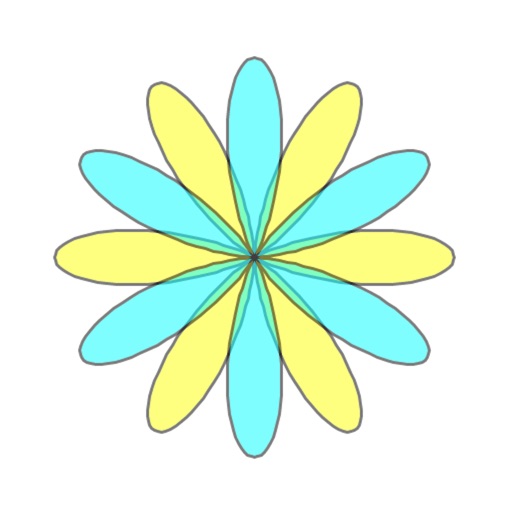
The app draws geometrical patterns similar to the SpiroGraph toy. It allows users to design complex artwork and draw mathematical curves like cycloids and trochoids.
by Masahiko Fukuyama★ 5.01 ratingsEntertainment$2.99Data updated 2026-10-09
The app allows users to sketch and analyze structural systems on the iPad. Analysis results like deformations and section forces are visualized instantly, with finite element analysis performed in the background.
Create and animate particle effects in space with drawing tools and customization options. Adjust particle colors and gravity settings. Import images and record videos in full version. Supports iPad for enhanced experience.
Learn numbers and through interactive activities. Trace numbers up to 100, match numbers to sequences, and count geometric shapes. Provide feedback on answers and progress.
The app allows users to draw 4-dimensional figures using color to represent the fourth coordinate. It includes a Help menu with drawing instructions and 4D construction ideas for visualization.
Edit photos with crop, rotate, and filter tools. Adjust brightness, contrast, and color. Add text, stickers, and draw on images. Apply blur, focus, and special effects like magic and splash. Export and share edited photos.
The app allows users to create and manipulate polyhedrons using Conway's notation. Users can apply various transformations and color schemes to generate thousands of visual combinations, which can be saved as images or viewed in Augmented Reality.
Explore 4 Kepler-Poinsot and 53 uniform star with 3D models. View their duals and compounds. Rotate, zoom, and adjust angles to examine shapes. Learn about vertices, edges, and face structures. Save and share 3D models in various formats.
Create and customize progressions with a wide range of types. Generate variations using retrigger mode. Adjust voicings, strumming patterns, and repetitions. Configure up to six voices, including a bass line, with individual component controls.
Learn to 10 through 8 step-by-step lessons. Choose an animal, follow guided instructions, and create drawings anywhere. Save and share completed artwork.