The app allows users to sketch and analyze structural systems on the iPad. Analysis results like deformations and section forces are visualized instantly, with finite element analysis performed in the background.
by Duy Truong★ 5.07 ratingsEducationFreeData updated 2026-10-20
Allows users to analyze space trusses using the Stiffness Matrix Method. It displays node displacements, member axial forces, and stress values. Users can check equilibrium by comparing loads, reactions, and moment arms within 3D model.
Access structural engineering tools including beam and truss calculators, frame analysis, and section databases. Generate wind and snow loads. View and manage models with 3D rendering. Convert units and design base plates and retaining walls.
Calculates and stress for beams, trusses, and frames. Users input loads and select design standards. The generates load combinations based on chosen methods and categories. Results are displayed for structural analysis.
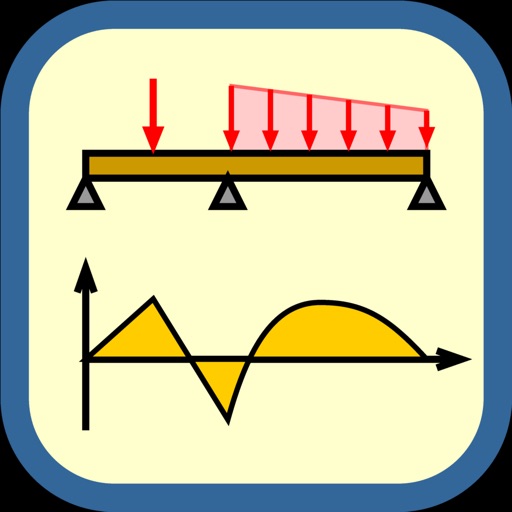
Structural engineers use to analyze beam configurations. Input load and geometric values to generate reaction, shear, moment, and deflection diagrams. Edit parameters and view updated structural diagrams in real time.
The app offers a comprehensive civil engineering toolkit featuring 12 modules and over 500 calculations. It supports SI and USCS units and provides PDF report sharing for engineering tasks.
Perform structural analysis with 2D element modeling. Create and modify models directly on mobile devices. Apply constraints, loads, and materials. View stress and deformation results. Save and share project files.
Measure sound pressure levels precisely and easily.
The app transforms an iOS device into a sound level meter, measuring sound pressure levels. It offers features like Apple Watch support, Health app integration, and frequency analysis tools.
Use to analyze photos, identify objects, and understand diagrams. Get writing assistance, research help, and code support. Solve problems with AI-driven analysis and personalized guidance.
Create vector-based sketches and designs on an infinite canvas. Sketch plans, make notes, and draw storyboards. Organize ideas with mindmaps and doodles. Iterate and experiment with designs. Export and share work.
Create structural designs by sketching beams and loads. View shear, moment, deflection, and reaction diagrams in real time. Modify designs and analyze multiple beams quickly. Export and share structural analysis results.
The app allows users to sketch beams and loads as they would on a pad, instantly viewing diagrams for shear, moment, deflection, and reactions. It enables rapid analysis of multiple beams and easy modification of designs.
Create a universe by combining elements like fire, earth, wind, and air. Build and animate planets through element interactions. Explore a challenging "Planet" mode to design your dream universe. Track progress as elements evolve and come to life.