Apps Like Transfer - File sharing for iPhone and iPad
Move files between iOS devices via Wi-Fi
Files between iOS devices using Wi-Fi or Bluetooth. Add photos, videos, contacts, and clipboard items via the + icon, iTunes , or email. Move files by selecting them and flicking them to the destination device.
by Farzad Rashvand★ 4.212 ratingsUtilitiesFreeData updated 2026-09-08
Compress and decompress files in Zip, 7z, and RAR formats. Decrypt password-protected archives. Encrypt ZIP files with passwords. Lock the for privacy. Import files from iCloud Drive and Photo library. Preview various types.
Learn C/C++ with code templates, auto-completion, and auto-indentation. Compile and run code offline. Fetch Git repositories and store files in iCloud. Share code via LAN using HTTP/FTP.
View and open documents in formats like Word, Excel, PowerPoint, PDF, TXT, ZIP, RAR, and RTF. Support for viewing and basic navigation within files. No editing features included.
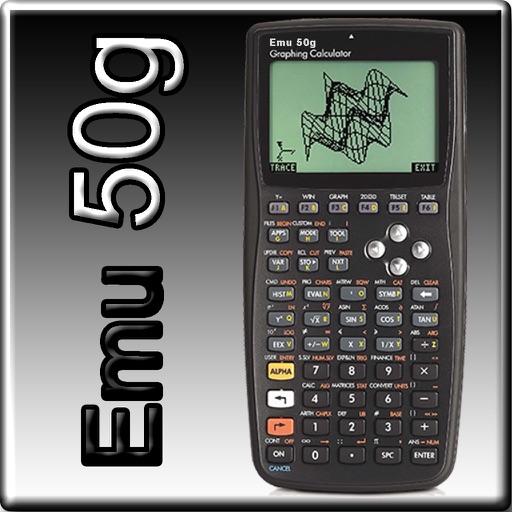
The app provides full emulation of the HP50g calculator with its original skin. Users can save and load calculator states, transfer files, and copy/paste results.
Convert documents to PDF format. Access the via "Open In..." menu in compatible apps like Mail and Safari. Save and share converted files directly. Create PDFs from various document types.
Send and receive photos, videos, and text files between and iOS devices via Wi-Fi. Transfer files directly without using cloud storage. Files are stored in the Files and transmitted with end-to-end encryption. files by selecting "" and choosing .
The app stores documents, music, and videos in a secure location. It functions as portable storage with a file manager, music player, and PDF reader, supporting gallery imports and exports.
View content in a floating PiP window above other apps. Support multiple image formats, video, PDF, PowerPoint slides, text, web pages, and timers. Turn pages manually or automatically for text files.
Upload and share files, photos, and videos via download URLs. Connect to cloud storage services like Amazon S3, Google Cloud Storage, and others. Transfer files directly from iOS devices to supported storage providers.
Read books and documents in various formats including PDF, TXT, MS Office files, HTML, and more. Adjust font size, type, brightness, and background. Decompress RAR and ZIP files. Play audio and video content. Flip pages with a simple interface.
Manage files by creating, renaming, moving, and deleting folders. Transfer files between mobile and desktop via local LAN. Compress and decompress ZIP files with password protection. Edit code with a built-in editor that supports bracket matching.
Transfer between mobile devices without cables or computers. Send individual files or move to iOS devices. Transfer contacts, photos, videos, music, and apps. Sync between iOS and other mobile devices.