
Transfer - File sharing
Move files between iOS devices via Wi-Fi
Farzad Rashvand
iPhone Screenshots

Description
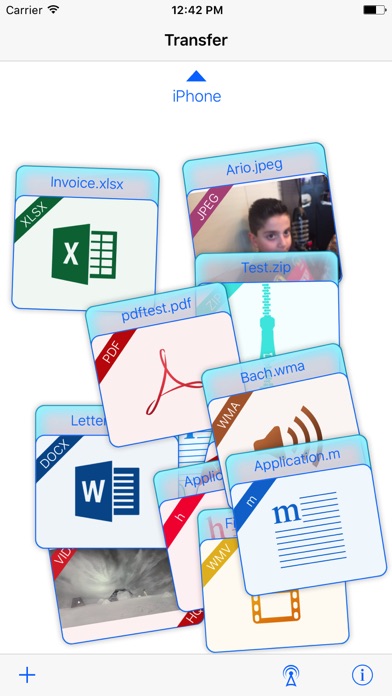
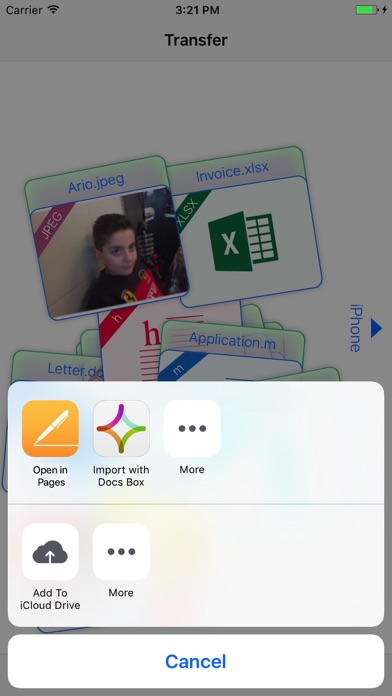
Files between iOS devices using Wi-Fi or Bluetooth. Add photos, videos, contacts, and clipboard items via the + icon, iTunes , or email. Move files by selecting them and flicking them to the destination device.
Transfer
Transfer is the quickest and easiest way to move all files from iOS device to another iOS device, with style.
Put what you want to send on the Transfer table, connect via Wi-Fi or Bluetooth, and flick it off-screen where you want it to go!
You can add files to Transfer Table:
1.By tapping + icon (adds photos and video, contacts, and all objects that are in the device clipboard).
2.Via iTunes file sharing.
3.Via email.
You can add all files whit all formats that existing in the computer world.
The Transfer moves all kind of files to another iOS device.
The Transfer can preview most common document files such as:
xls, xlsx, doc, docx, ppt, pptx, key, numbers, pages, pdf, …
photos, videos, contacts, …