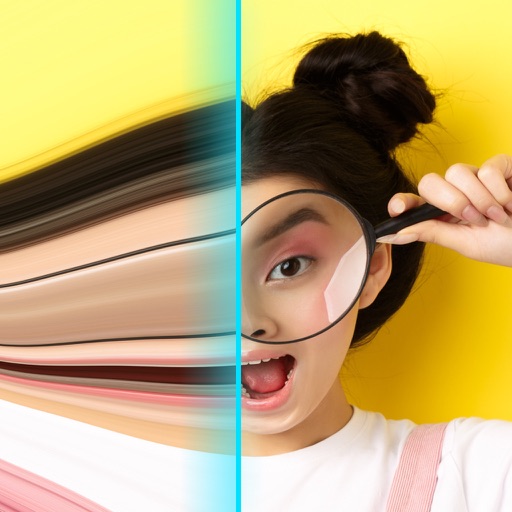
Record videos with - effects by capturing footage and adjusting scan speed, direction, and timer. Freeze or stretch specific parts of the frame to create surreal visuals. Share the edited videos directly from the .
Enhance image quality by unblurring and sharpening photos, reducing noise, and upsizing for clarity. Improve video clarity with noise reduction and motion smoothing. Sharpen PDF text and lines for better readability.
The app decreases video file sizes by 80% or more. Users can identify large videos and adjust frame rate, bit rate, and frame size to control quality and file size.
Create reversed playback by selecting a and generating a preview. Edit the reversed by trimming sections, adjusting playback speed, setting volume, adding background music, or resetting edits. Save the final after editing.
Watch live footage from 4.0/5.0 via . Start and stop recording. View and download videos to device. Share videos directly. Control camera settings remotely. Connect to camera on iOS device.
Edit videos by adjusting playback with points. up or slow down specific segments for creative effects. Preview and refine timing before finalizing edits. Share edited videos directly.
The app captures swings in full HD for slow motion and frame-by-frame playback. It offers multiple drawing tools, video analysis, and comparison features.
Convert photos into animated videos using AI motion effects. Apply cinematic AI enhancements to images. Upload and transform photos with available credits. Purchase additional credits for more conversions and effects.