
Tactacam WiFi
Control camera remotely and view live feed
Tactacam LLC
iPhone Screenshots



Description
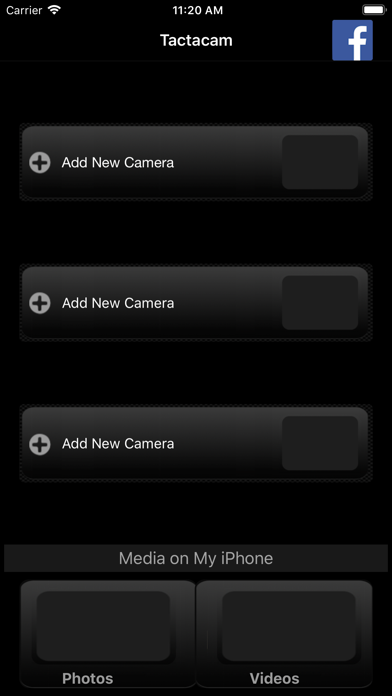
Watch live footage from 4.0/5.0 via . Start and stop recording. View and download videos to device. Share videos directly. Control camera settings remotely. Connect to camera on iOS device.
The TactacamMobileApp turns your phone into a remote control, for your Tactacam 4.0/5.0
For use with iPhone or iPad.
You can connect the Tactacam 4.0/5.0 to your iPhone or iPad with the app, after establishing the connection, you can see live what your camera sees, start or stop recording, view your videos, and download videos to your device for sharing.
How to Connect:
Turn on your Tactacam’s WiFi
Connect to the camera WiFi, on your ios device
Open the Tactacam App
Features:
Watch the live stream from camera
Start and stop recording
Change modes for different video quality and frame rates
Change white balance for
Format your Tactacam SD card
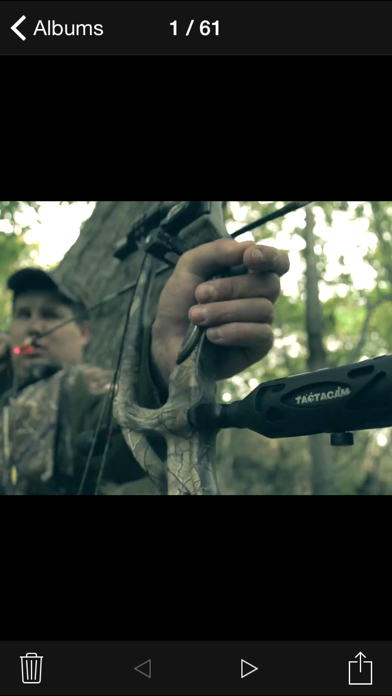
View, Download or delete videos
Automatically sets time and date with iPhone or iPad when connected
8.Supports iPhone X
9.Supports full video playback with audio before downloading
10.Upside down function available
11.Slow motion function available