
RevMov - Reverse Video Editor
Videos and edit playback speed
REAFO CO., LTD.
iPhone Screenshots
Description
Create reversed playback by selecting a and generating a preview. Edit the reversed by trimming sections, adjusting playback speed, setting volume, adding background music, or resetting edits. Save the final after editing.
Make a reversing playback video with this app.
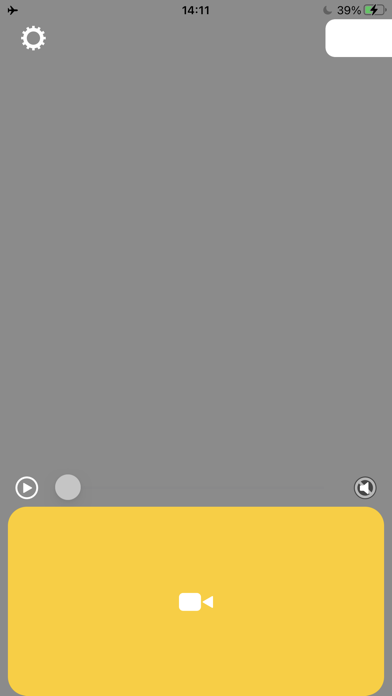
-- How to use.
1. Select a video.
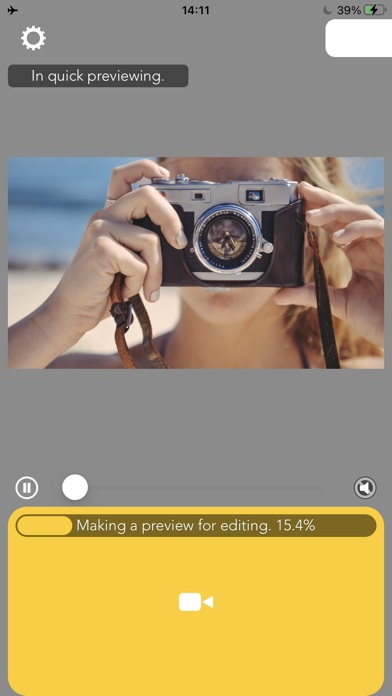
2. Wait for making a preview.
3. Press Save.
-- Editing
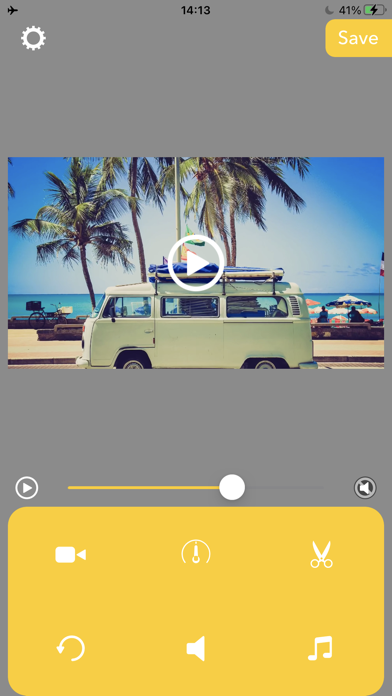
After finished making preview, you can edit the reversed video like below.
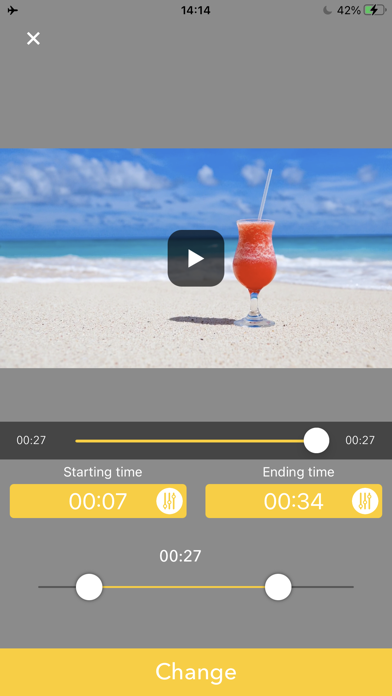
Triming:Press Scissors icon then set the time range you want to need.
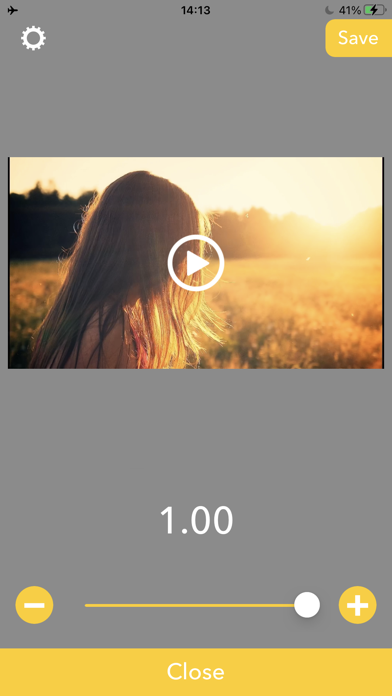
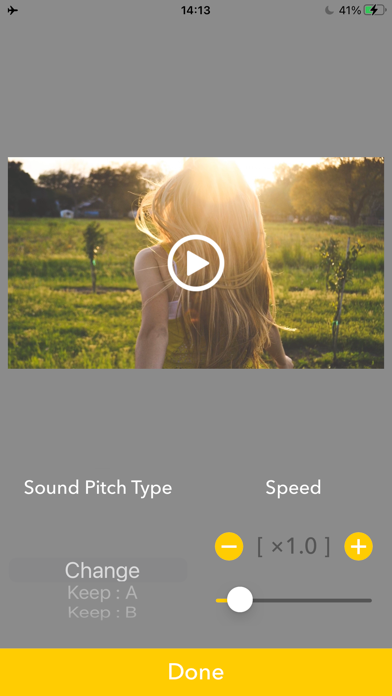
Playbackspeed:Press Meter icon then set the playback speed to be fast forward/slow motion.
Volume:Press Speaker icon then set the volume you want to set.
BGM:Press Music note icon then adds BGMs.
Reset Editing:Press circle arrow icon to reset these editings.