The app allows users to create patterns by layering motives, selecting colors, and adjusting their position, scale, or rotation. The resulting patterns can be shared, used as backgrounds, or printed.
by Dominik Wei-Fieg★ 3.02 ratingsPhoto & VideoFreeData updated 2026-10-04
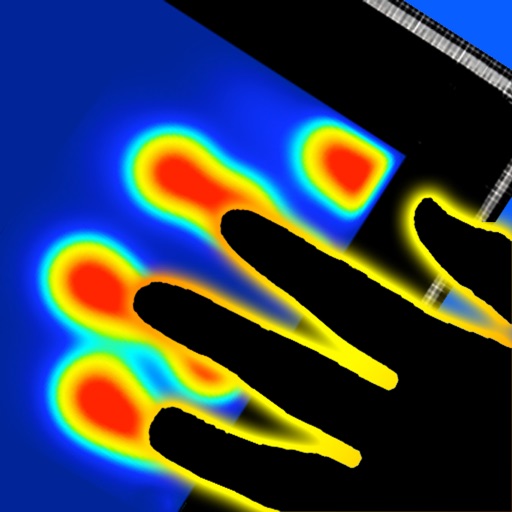
Touch the screen to create reactions on 18 different surfaces. Explore , flame, fantasy, sky, metal, spirit, and rainbow patterns. Customize temperature settings and watch colors shift with finger movement. Share creations or save sessions for later.
Split large rectangular or panoramas into square tiles for Instagram. Upload individual tiles to create a cohesive image. Adjust scaling and layout options for detailed viewing. Share combined images directly from the .
Allows users to play notes with customizable layouts and multiple notes on screen. It includes music theory integration for note identification and chord recognition. Users can adjust key signatures and scale modes.
Explore a crime investigation with object puzzles. Solve clues to uncover in the Great Green Reserve. Navigate through scenes to find items. Progress through a story of betrayal and corruption.
Create art using three colors on an 8x8 grid. Match numbered squares with color pixels. Rotate the canvas to change drawing colors. Undo mistakes. Share completed puzzles.
The app allows users to combine multiple photos into collage frames. Users can select from unique frames, adjust colors or patterns, and share creations via email, social media, and more.
Create and edit drawing tools and photo additions. Paint on images finger input. Move, rotate, and scale added . Save and share creations via social media apps. Offers a simple interface for note-taking and visual projects.
Draw sketches using brushes and tools with support for Apple Pencil. Create layered artwork and zoom for detailed painting. Import and export vector images in PDF, PNG, and JPEG formats. Use color or photo backgrounds. Save artwork for later.
Convert photos to grayscale and selectively specific areas using finger touch or custom colors. Draw with zoom and rotation for precision. Use a magnifier for detailed work. Undo mistakes or redraw in grayscale. Export edited images.
The app allows users to create collages on square backgrounds and add text. Users can choose backgrounds, add pictures, and modify text properties like font, size, color, transparency, and rotation.
The app presents note patterns using four elements: Water, Earth, Wind, and Fire. Users repeat these patterns to improve memory, with difficulty increasing as more frames are added.
Reframe photos by adjusting the frame or dragging handles to reposition elements. Use aspect ratios and grids to guide composition. Straighten images without losing resolution. Achieve balanced compositions by recomposing existing photos.