
iPhone Screenshots
Description
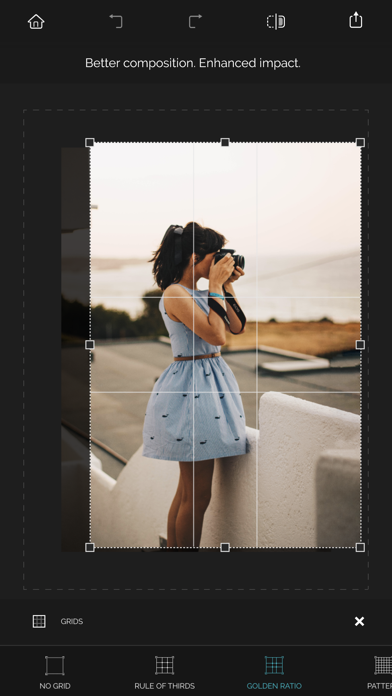
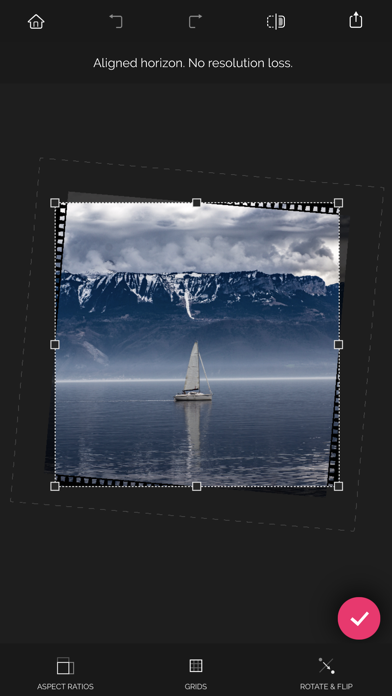
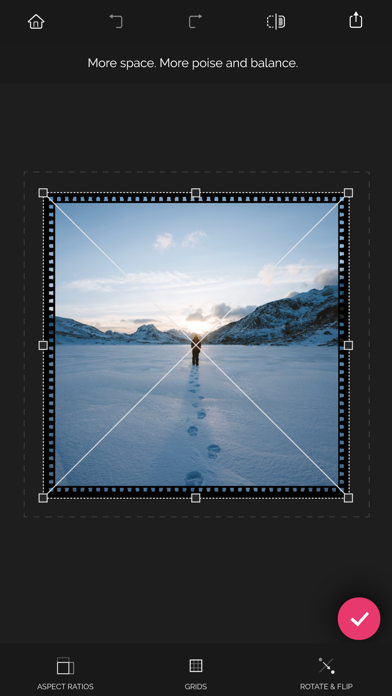
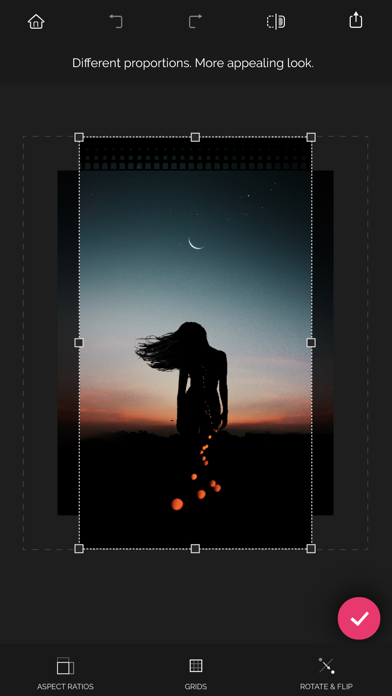
Reframe photos by adjusting the frame or dragging handles to reposition elements. Use aspect ratios and grids to guide composition. Straighten images without losing resolution. Achieve balanced compositions by recomposing existing photos.
Recrop gives you a second chance to reframe your photos for a compositionally balanced look.
Here are the main features of the app:
• Unique uncropping function
• Aspect ratios and grids to help you reframe photos
• Straightening without losing the resolution of a photo
ACHIEVING AN ACCURATE COMPOSITION
• Recomposing a photo by moving its frame
Recrop allows reframing images even after they have already been taken.
Move a photo frame or drag its handles toward the inside or outside a photo to recompose the shot. The clever app will automatically fill in the expanded areas based on the content surrounding it.
• Reframing a photo by using aspect ratios
With the list of the most common aspect ratios the app has to offer, you can obtain a photo of the needed proportions fast and with no effort. As soon as a specific ratio is selected, tap the Apply button — and the app will crop or uncrop your shot to those specific dimensions.
• Reframing a photo by using grids
Recrop provides you with a set of the classical composition grids to help you be accurate when recomposing your images. After selecting a grid, just move a photo frame as needed to balance the photo.
STRAIGHTENING PHOTOS
Straighten a crooked horizon line in a photo by swiping left or right or up or down anywhere outside the photo frame. The resolution of the photo won't be lost — the nearby pixels will be copied and added to the areas created.
PRAISES ABOUT RECROP
“Recrop does one thing insanely well and is the only smartphone app dedicated to this task: like content-aware fill for Photoshop, it can extend elements of an image to give more of what you missed, allowing you to crop, rotate, and even enlarge without sacrificing parts of the original image.” — Dan Rubin, Photographer, Designer
Download Recrop right now and give it a try!
If you have any questions or complaints about Recrop or need assistance with the app, please email us at support at adva-soft.com.