The app allows users to create patterns by layering motives, selecting colors, and adjusting their position, scale, or rotation. The resulting patterns can be shared, used as backgrounds, or printed.
by Dominik Wei-Fieg★ 3.02 ratingsPhoto & VideoFreeData updated 2026-10-04
Create abstract polygon patterns by tapping to form triangles. Choose from vibrant styles with unique color palettes. Receive a free style daily. Save and share high-resolution wallpapers. Export designs as vector images in PDF.
The app is a matrix-controlled arpeggiator that allows users to play arpeggios with their thumbs. It offers control over pitchbend, tremolo, and vibrato using the iPad's accelerometer.
The app allows users to create stamps from photos and combine them with backgrounds to make pictures. Users can also create Japanese traditional playing cards, haiku, senryu, and origami designs.
Learn techniques through animated instructions and step-by-step 3D guidance. Create simple to complex figures with adjustable difficulty levels. Fold paper into various shapes without needing video tutorials.
Edit photos and videos to post full size content to Instagram and other platforms without cropping. Add audio, effects, frames, text, stickers, and overlays. Trim, rotate, scale, and flip media.
Create and customize basslines with a synthesizer and drum machine. Adjust waveform shapes, filter settings, and envelope parameters. Sequence rhythms with step editors and pattern loops. Export audio files and share directly.
Solve mystery games with object puzzles and interactive clues. Investigate crime scenes, interview witnesses, and uncover secrets. Track progress through case files and unlock new scenarios. Share findings with friends and compete in challenge modes.
The app generates original patterns from a user's name. Users can create patterns for icons or crests by inputting one or two characters from their name and clicking the create button.
Add with transparent, colorful patterns to messages. Customize placement by dragging, pinching, zooming, and rotating. Layer to create playful visual effects.
Edit by selecting from the gallery or using the camera. Add and adjust their position, size, and rotation. Crop images by dragging or scaling with two fingers. Share the edited photo directly.
Add to photos with customizable fonts and styles. Choose from 250+ fonts and 200+ templates. Include layers for , images, shapes, and stickers. Access a variety of stickers, icons, and quotes. Apply single color or gradient color palettes.
Play by selecting adjacent tiles with matching patterns. Remove pairs to clear the board. Unlock new levels and track progress through a club-based scoring system. Connect with other players for competitive matches.
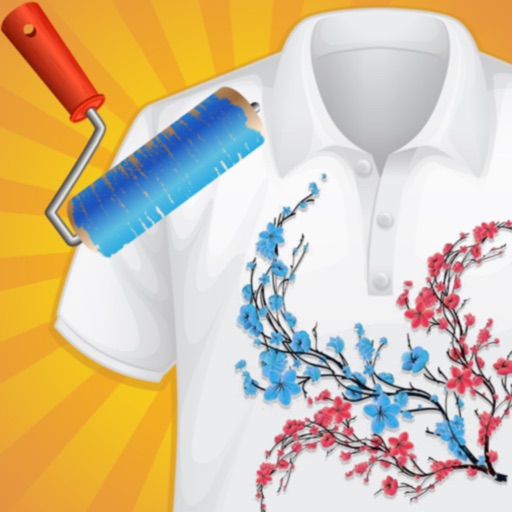
Create custom -shirts by selecting and applying colors to designs. Draw on shirt templates to personalize artwork. Save and share finished designs. Explore various tie-dye patterns and color combinations.
Create intricate symmetrical patterns by swiping fingers across the screen. Design limitless mandalas with customizable colors and shapes. Explore creative possibilities for logos or tattoos. Save and share finished designs.