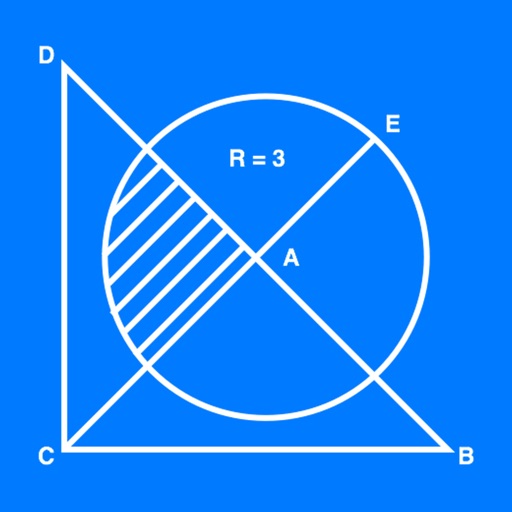
The app allows users to create geometrical figures, points, circles, and polygons. It can also create parallel lines, perpendicular lines, lines with a given angle, midpoints, and intersections.
by 帆 杨★ 5.01 ratingsProductivityFreeData updated 2026-10-03
Create geometric constructions and figures. Measure lengths, angles, and areas. Input mathematical formulas and functions. Define custom variables and equations. Plot function graphs and adjust parameters in real time.
Create diagrams and flowcharts using shapes like rectangles, circles, and arrows. Draw freehand or use geometric figures. Collaborate in real-time on an infinite canvas. Export diagrams in multiple formats.
The app provides telecom services, entertainment, a marketplace, and Orange Money. Users can manage mobile and internet lines, shop for devices, play games, and access digital wallet features.
Prepare for the section with -focused practice. Solve over 480 questions and review 48 revision notes. Take mock tests with mixed questions. Receive instant feedback on answers. Review explanations for correct responses.
The app offers over 330 questions and 33 revision notes for SAT Math Geometry & Measurement. It includes mock tests with instant feedback and detailed explanations to track progress towards readiness for the actual test.
Provides writing prompts and ideas for brainstorming. Includes of names, character traits, plot lines, occupations, obsessions, and action verbs. Supports multiple writing projects and formats. Allows users to generate and save custom .
The app offers over 200 themed coloring pictures for children of different ages. It includes a blank sheet for original creations and is approved by child psychologists.
Create custom word categories and toggle them on or off. in landscape or portrait mode. Focus on letter formation with interactive exercises. Save progress and revisit completed words.
Create reports for projects, allocate costs across phases and lines. Capture date, payee, reference ID, and credit card details. Track billable expenses in the field and manage reports remotely.
Create geometric shapes and figures using a grid. Draw points, lines, and angles. Explore symmetry through axial and central transformations. Practice fractions and calculate areas. Use tools for medians and diagonals. Export or save drawings.
Learn and program language on iOS devices. Enter and run code, use built-in functions, and access help documentation. Save and load programs. Simulate Commodore 64 environment for educational use.
Along hidden lines to complete challenges. Rate drawings with 1 to 3 stars. Unlock cute animals and funny objects based on performance. Retry drawings if they are not good enough.
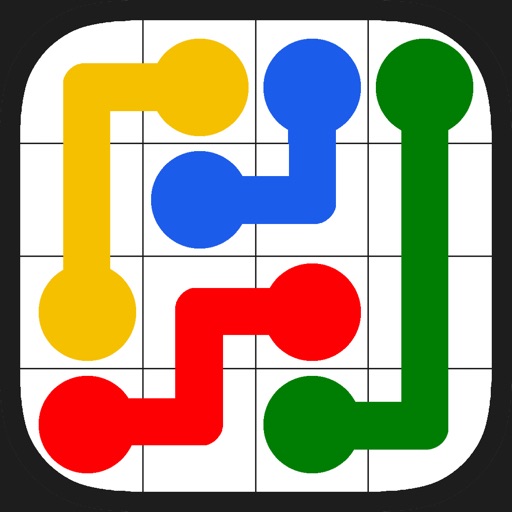
The app presents a puzzle game where players connect dots of the same color with lines to cover the entire board. It offers 7,200 levels across various grid sizes and includes a daily challenge.
Create kaleidoscope patterns by swiping fingers across the screen. Adjust the number of lines and line color. Use multi-touch for advanced control. Save generated artwork to the device's Camera Roll.