Access remote servers via SSH on iPhone, iPad, and Mac with Panic Sync. Connect reliably over unstable networks using Mosh and Eternal Terminal. Set up port forwarding for secure data transfer. Manage terminal sessions across devices.
SSH allows secure remote connections with hardware-accelerated text rendering and PuTTY-based terminal emulation. Supports gestures for channel switching and scrolling. Enable custom gestures for keypresses or actions.
Secure browsing with encrypted connections and private DNS. Block ads and track malicious websites. Switch servers quickly for global access. Manage Wi-Fi and data usage settings. Protect online identity with no logs.
The app provides secure access to corporate data and resources for iOS devices. It offers comprehensive device security and visibility through analytics and business intelligence.
Manage remote servers with SSH and Telnet connections. Access terminal emulators with keyboard and language support. Create and switch between multiple sessions. Connect via Bluetooth key. Execute commands and manage server settings remotely.
The app provides real-time statistics for teams and players, displaying the line of scrimmage and first down marker. It allows users to undo or edit plays, assign events, and calculate time of possession.
The app monitors and checks real-time RAM usage, including inactive, active, wired, and free memory. It also monitors and checks real-time disk usage, CPU usage, and network information.
Input domains or IP addresses to check TLS security. Inspect websites directly from a browser extension. View trust status and certificate details. Identify security issues and device trust relationships.
Use the to connect to secure VPN servers in . Access multiple locations with single-tap activation. Choose from various protocols. No login required. Maintain privacy with a no-logs policy. Protect data during online activities.
Connect to a Mac or Windows PC and access files, programs, and resources as if using a desktop. View content in 8 or 32 bit color modes. Use local mouse support and compatible hardware mice. Log in with encrypted password or macOS sign-on.
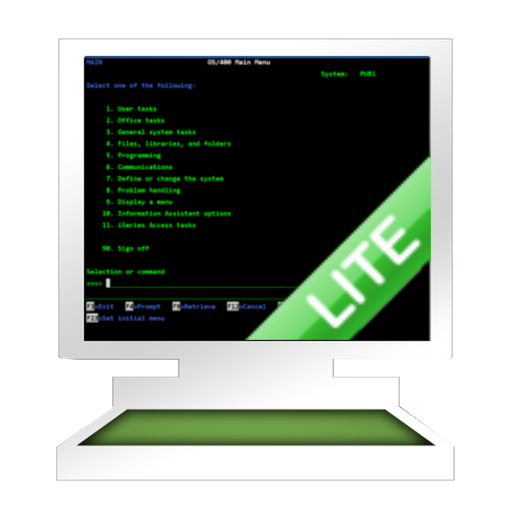
The app provides TN5250 and TN5250e emulation for IBM midrange systems. It offers features like SSH, Telnet, custom keyboards, and multi-session capability for host connectivity.
Tracks location, speed, altitude, heading, acceleration, g-force, and atmospheric pressure. Retrieves and displays current weather data. Records tracks up to 10 minutes or 10 kilometers. Plays back tracks at multiple speeds.
Connect to secure VPN servers for private internet access. Set up virtual private network connections. Access freevpn lite without registration. Use anonymous service with no account needed. Switch between free and premium subscription options.
Monitor CPU, memory, disk usage, processes, and temperature in real time. Manage GPIO pins with a colorful pinout and mode changes. Access an SSH terminal for full xterm experience. Browse, upload, download, rename, and delete files via SFTP.
Perform complex calculations with support for hexadecimal, octal, and binary. Use RPN mode and multi-line display. Access unit conversions, constants, and scientific notation. View a paper tape and use multiple undo/redo functions.
Secure internet browsing with one-tap connection. Access blocked content and protect privacy . No ads, no logs, and fast performance. Support 24/7 customer assistance.
Calculate based on set tour lengths and actual worked times. Input normal tour duration once, then enter worked tour for calculation. Supports RDO, PreTour, and wrap-around . Set rates and compute compensation in cash or time.
Convert units across 20 categories with over 400 options, including mixed units like feet and inches. Add widgets for quick access. View conversion history and share results.