
iPhone Screenshots
Description
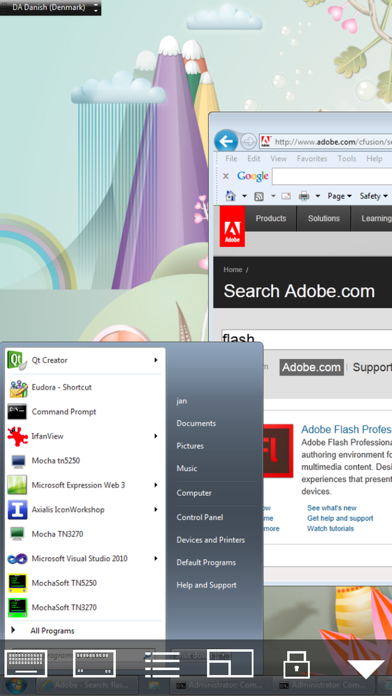
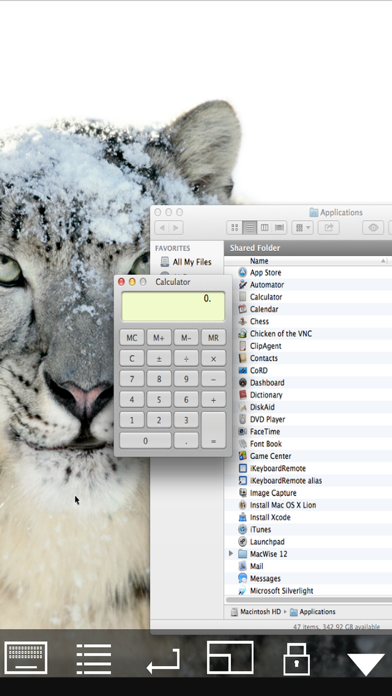
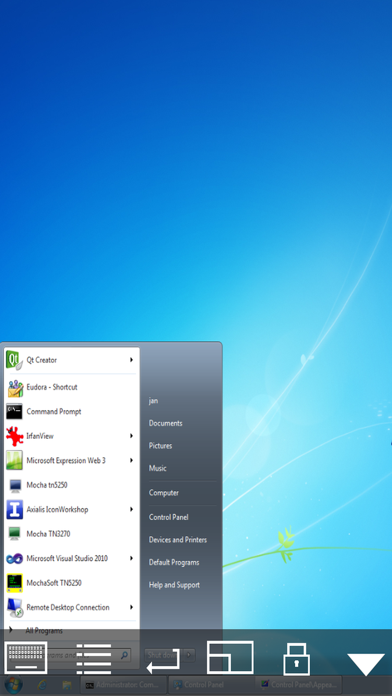
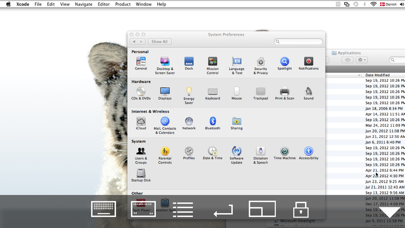
Connect to a Mac or Windows PC and access files, programs, and resources as if using a desktop. View content in 8 or 32 bit color modes. Use local mouse support and compatible hardware mice. Log in with encrypted password or macOS sign-on.
Using your iPhone or iPad, you can connect to a Mac or Windows PC, and see the files, programs, and resources exactly as you would if you were sitting at your desk, just on a smaller screen.
LITE VERSION:
The lite version has a 5 minutes session limitation.
FEATURES:
- Standard VNC protocol.
- macOS sign on.
- Encrypted password signon.
- 8 and 32 bit color modes.
- Local Mouse support.
- Support for Swiftpoint GT hardware mouse.
- Support for Mouse Easy. Use an iPhone as a bluetooth trackpad. Mouse Easy is a free App.
- Camera as barcode scanner.
- Zoom and scroll as the Safari browser.
- Landscape mode.
- Has been tested with RealVNC, TightVNC, UltrVNC on Windows, and Apple Screen sharing, which is included with the macOS.