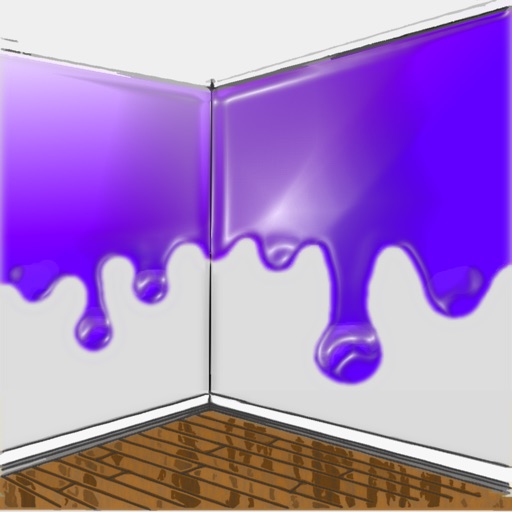
The app allows users to visualize new paint colors on their walls before painting. Users can try colors from a palette or sample real-world colors and apply them to photos of their home.
by Luminant Software, Inc★ 4.21,290 ratingsUtilitiesFreeData updated 2026-10-01
Select colors from real-world photos using a picker. Adjust circles to refine shades manually. Generate random combinations for creative exploration. Save and share favorite palettes.
Images using customizable tools and colors, save creations to your photo library. Write notes as images and store them. Edit photos basic tools and save results.
Add vibrant color to specific image areas using the Color Splash Effect. Adjust intensity and placement. Export edited in various formats. Share directly from the .
The app offers various paint strokes including single, symmetrical, and star. Users can select stroke sizes and utilize normal colors, continuous color change, gradient colors, and gradient rainbow color change.
Move color balls by dragging your finger to avoid the slithering line and walls. Navigate through multiple challenging stages. Track progress across levels designed for all ages.
Change eye with a single tap. Select from multiple shades to alter eye appearance. Adjust brightness and contrast for natural results. Save edited images and share directly.
Apply filters to photos from the gallery or during capture. Choose from twelve unique styles including cartoon, sketch, and paint effects. Edit images with artistic filters and save or share the modified photos.
Draw freely using customizable brushes and colors on a canvas, save creations as images to the album. Paint over existing photos from the library and save results. Write notes anywhere and save as images.
Digital with customizable backgrounds. Add text with adjustable fonts, colors, and borders. Draw on photos or include images that can be moved, rotated, and scaled. Save and share finished designs through social media apps.
Create and edit digital artwork with layers, brushes, and custom tools. Adjust colors, brightness, and contrast. Import photos and sketches. Save and export in various formats. Apply filters and effects. Collaborate with others through cloud sharing.
The app allows selective editing of photos with filters, effects, and adjustments. Users can apply multiple effects to specific areas or the entire image, offering extensive creative possibilities.
Edit photos adjustable temperature, tint, and exposure settings. Use texture blending tools and apply effects. Add stickers opacity and shadow control, and include text 3D effects and multiple fonts. Crop, rotate, and straighten images.
Track paints from over 25000 colors across multiple brands. Create custom paint sets for models. Add paints via barcode scan or manual entry. Save desired paints to a wish list. Find color matches using built-in color tools.
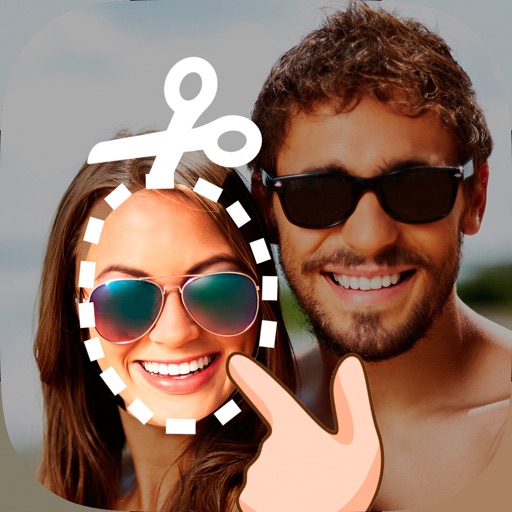
Edit photos by cutting and pasting faces, removing backgrounds, and deleting unwanted people. Add missing faces to photos. Use the silhouette head tool to select and edit elements. Export edited images directly.
The app allows users to draw and display custom marquees. Users can export their creations as MP4 videos, utilizing multi-color options, adjustable stroke widths, and four directional movements.