Write notes and sketches using fingers or a stylus. Choose from five colors: black, red, blue, green, and pink. Save color selections with a bottom button. Draw on a blank canvas with smooth, multi-touch support.
by Kiyoshi Koike★ 2.52 ratingsProductivityFreeData updated 2026-09-08
Take notes with two to-do sections, "Work" and "Other," switch items between them by swiping and choosing "Move." Input multiple tasks with bulk input using the next key. Mark tasks as done with a checkbox, delete completed items in a section.
Personalized by selecting photos or from your gallery and applying favorite frames. Adjust images with zoom, rotation, and movement. Choose background music or mute the video. Save and share the final video through social media apps.
Personalized by selecting photos or from the gallery and applying favorite frames. Adjust images with zoom, rotate, and move gestures. Choose background music or mute the video. Save and share the final video through social media apps.
Track growth with a diary to record , fertilizing, and other care activities. Set reminders for schedules. Maintain notes to document health and progress.
Track events by tapping to increment . Set multiple for different goals. Use Siri shortcuts to add or modify . Sync data across devices. View progress and statistics for each counter.
Create and customize for iMessage conversations. Use markup tools to censor, blackout, or redact content. Resize and rotate before placing them. Share across messages and personalize with over 70 designs.
Allows users to create groups with titles and add names. Pressing the 'Pick a ' button selects a from the group. Groups are saved automatically for future use. Names can be deleted individually or entire groups can be removed.
Write and organize content by adding notes, scenes, or paragraphs to a notebook. Rearrange and remix notes and photos to reorder chapters or scenes. Add front matter like a title page and back matter such as end notes.
Create notes on photos directly from the Photos without opening another . Edit images with cropping, adjustments, and text overlay. Use action extension to edit photos from any .
Customize the Today view with widgets for quick access to notes, reminders, and user-defined text. Swipe from top to bottom to view and edit content directly. Add widgets for specific purposes and manage information efficiently.
Take notes on unlimited pages with templates like blank, lined, and grid. Import images and PDFs easily. Cut and move content with scissors tool. Use ruler and protractor for shapes. Access scraps via sidebar drawer.
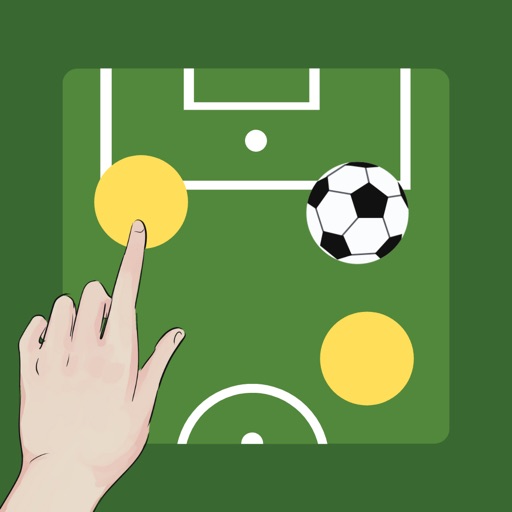
Create and customize boards by adding or removing players and adjusting their details. Set player photos, names, numbers, and positions. Choose coat colors and use a drawing tool with adjustable line thickness and color. Save and share screenshots.