Take photos and automatically detect faces to apply fun and effects. Edit and save photos in an in- gallery. Share photos directly or save for later. Explore creative sticker options and customize effects.
by Pixelinlove Ltd★ 4.320 ratingsPhoto & VideoFreeData updated 2026-09-08
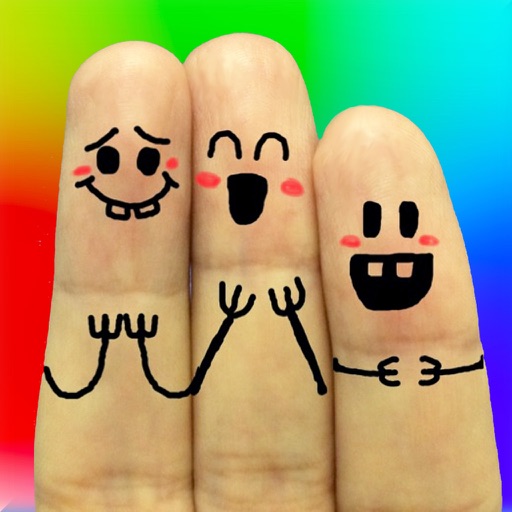
The app allows users to create finger faces using photos from their camera roll or by taking new pictures. Users can add faces, items, stickers, and text, or draw their own creations.
The app allows users to create images using a text editor and drawing tools. Users can select from different pencil types and colors, change backgrounds, and add captions to photos.
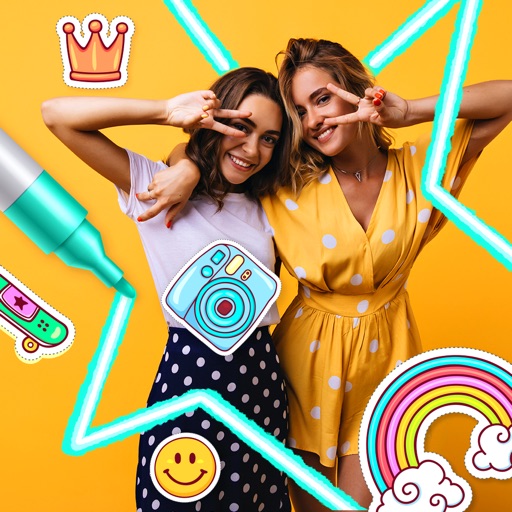
Edit photos with filters, effects, and backgrounds. Add stickers and choose from various fonts. Crop, resize, and rotate images. Create square photos and adjust ratios. Share edited photos directly.
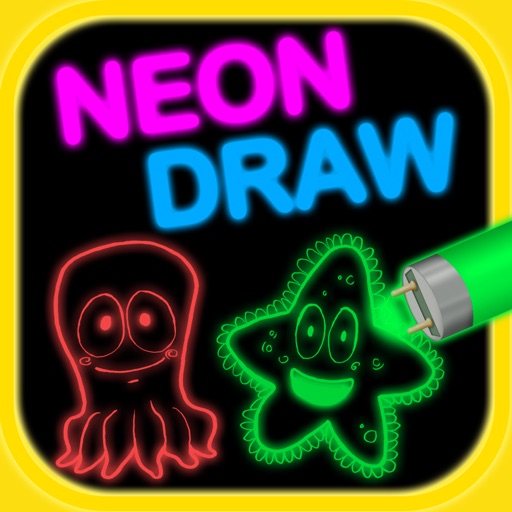
Create artwork using brushes, futuristic backgrounds, and glowing stickers. or paint with finger swipes. Add text and notes with the text editor. Apply effects to photos and over them. Save and share edited images.
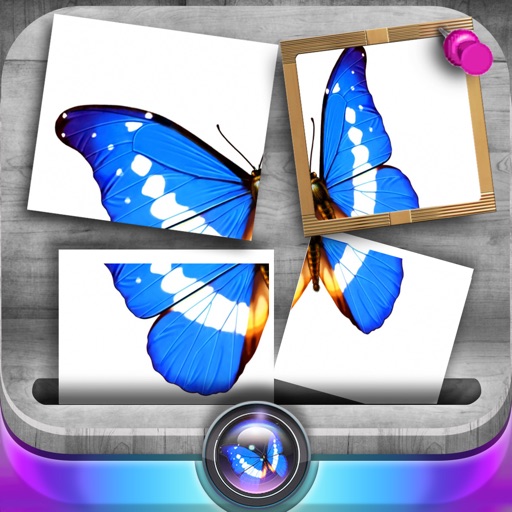
Edit photos by slicing and reassembling them freely. Decorate slices with stickers, frames, text boxes, backgrounds, and filters. Combine multiple photos by to create custom art.
Edit photos with -themed , , and gifs. Add text, stickers, and seasonal effects. Share edited photos directly. Customize with color schemes and effects. Create and save wishes.
Create stickers from photos with automatic background removal using face detection. Crop and erase areas easily. Add text, emojis, and decorate with borders. Export stickers for use in messaging and social media apps.
Edit photos with filters, , and cropping tools. Add text, stickers, and borders. Adjust brightness, contrast, and saturation. Export in various formats and share directly.
Edit photos with filters, cropping, and adjustment tools. Create collages using templates, grids, and layouts. Add text, stickers, and . Share edited photos directly.
Edit photos by swapping faces with AI precision using 100+ templates or custom images. Replace multiple faces in videos with realistic animations. Create animated portraits and apply virtual hairstyles or outfits.
Convert photos to and with one tap. Apply various monochrome filters for different styles. Adjust brightness, contrast, and grain. Crop and resize images. Save and share edited photos directly.
Try on different styles with adjustable fit. Add masks, stickers, and effects to photos. Edit selfies and adjust placement. Share edited photos directly to social media.