Create clouds by selecting color themes, fonts, and layouts. Choose from six layouts including horizontal, vertical, and half and half. Input text to generate clouds where common words appear larger.
by Alexey Tataurov★ 4.3147 ratingsPhoto & Video$0.99Data updated 2026-09-08
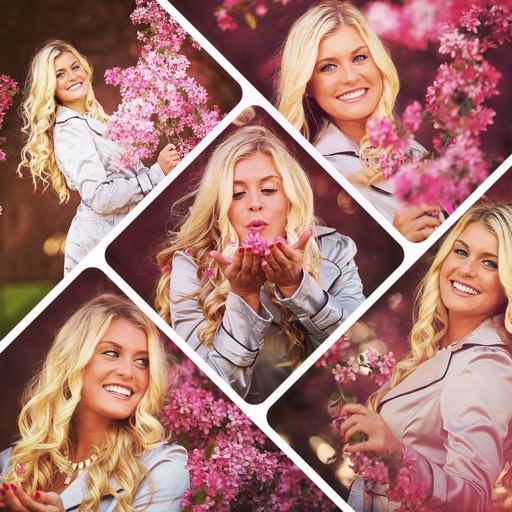
Create collages by arranging photos and adding editing elements like frames, stickers, and text. Adjust colors and brightness. Export collages in various formats and share via social media or messaging.
Create collages by adding photos and selecting aspect ratios. Choose landscape or portrait orientation. Add text to the collage. Shuffle for new layouts. Adjust design elements for customized results.
Create collages using 9 photos. Tap frames to insert images from the photo library. Resize, reposition, and crop photos within each frame. Preview the in full size and save it to the photo library.
Create handwritten notes and drawings with customizable brushes and erasers. Use vector tools for precise shapes and annotations. Add text, highlights, and special line effects. Save and organize digital sketches and journal entries.
Find lookalikes using AI. Create collages with gradient face-to-face effects. Share with hashtag #looklikeme. Transform photos into art with AI styles. Upscale images for better clarity. No photo storage.
Create collages by selecting multiple images and arranging them in different grid layouts. Add frames from a collection of 100+ designs to enhance images. Build personal stories by organizing photos and sharing them directly.
Create collages and cards for occasions like birthdays and holidays. Choose from customizable layouts, backgrounds, and stickers. Apply filters. Add photos to designs and export for sharing. Purchase additional layouts and content packs.
Share daily AI-generated topics to express opinions. Scroll through a vertical and horizontal social feed. Chat privately for personalized messages, tips, and jokes.
Create collages by combining multiple photos using various frame patterns and grid layouts. Apply over 1100 design styles to individual images or collages. Share finished creations directly from the .
Pic allows users to divide their camera view into sections using various free layouts. They can take photos or import images from the Camera Roll and arrange them in different orders.
Edit photos with AI cartoon filters, -to-sketch conversion, and mosaic art creation. Remove backgrounds, add drip art, and create collages. Save and share edited images directly.
Create collages using over 50 templates. Customize layouts, add text, and include photos or videos. images with filters, cropping, and manual adjustments. Shoot photos with manual camera controls. Export and share edited content in various formats.
Create custom text designs by selecting a background and typing your text. The generates unique layouts with various fonts and typefaces. Share or export the final design directly.
Edit photos with filters, contrast, brightness, and color adjustments. Add text, stickers, and drawing tools. Customize images and landscapes. Export in high quality. Access a free image library. Apply advanced editing features.
Create collages by combining multiple photos into layouts. Choose from 50+ grid styles and tree or 3D modes. Edit photos with cropping, filters, and text addition. Share finished collages directly.
Create collages by combining multiple photos and videos into framed cells. Add rounded corners, shadows, and patterns. Choose from 500+ adjustable frames. Use an easy color picker for customization.
Create collages by mixing and arranging photos, rotating, and moving them freely. Add text, stickers, and backgrounds with customizable fonts, sizes, and colors. Draw or write on photos using a doodle tool. Export and share finished collages.