Create and edit pixel art with layers, filters, and animation tools. Adjust opacity and blend modes for complex compositions. Use high zoom levels for detailed work. Access color palettes and edit sprites for retro game design.
by Furnace Creek Software LLC★ 0.00 ratingsGraphics & DesignFreeData updated 2026-09-08
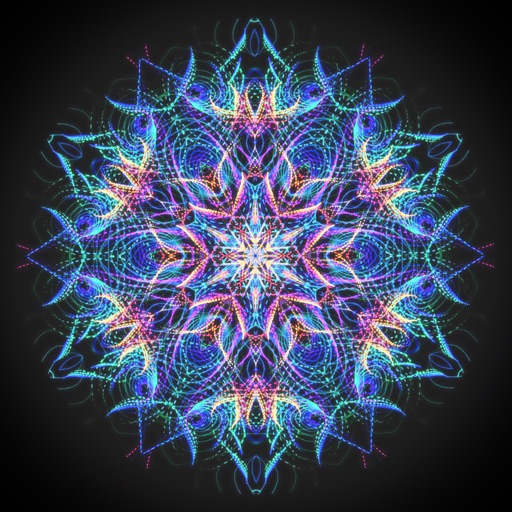
Create animated swirling patterns and kaleidoscope artworks. Select from various brush styles and color palettes. Adjust speed and symmetry settings. Save and share generated artwork. Relax through interactive, meditative visuals.
Edit portraits with advanced skin retouching tools. Adjust 13 skin parameters for smooth, glowing results. Remove eye bags, crow's feet, and oils with one tap. Eliminate blemishes, freckles, and acne at the pixel level.
Edit screenshots with redact, highlight, underline, strike, blur, blend, and pixel tools. Create and customize screenshots with notes, text overlays, GIFs, and device mockups. Adjust shadows and fillets for precise styling.
The app allows users to view and photograph the world with a pixellated, low-resolution aesthetic. Users can achieve looks reminiscent of 80s graphic adventure games or NES titles with adjustable pixel sizes and classic color palettes.
Arthur Eduardo Skaetta Alvarez Desenvolvimento de Software LTDA.
, edit, and share
And manage with one tap. Select colors using the wheel or RGB sliders. Export individual colors in RGB and HEX formats. Generate PDF documents containing palette colors and values.
Edit photos with effect and features. backgrounds and apply black-and-white conversion. Select areas for contrast. Zoom with two-finger pinching. Adjust brush size, opacity, and offset. Export edited images.
Provides even lighting for photography subjects and transparencies. Select predefined colors or create custom ones with RGB sliders. Capture images to identify RGB values. Adjust opacity and brightness. Enable full screen mode by tapping the screen.
Edit photos with AI cartoon filters, -to-sketch conversion, and mosaic art creation. Remove backgrounds, add drip art, and create collages. Save and share edited images directly.