The app offers a collection of analog clocks for iOS/iPadOS devices. Users can swipe to switch clock styles, show or hide the date and seconds, and adjust brightness.
by Tan Chia Ling★ 4.03 ratingsEntertainment$1.99Data updated 2026-09-28
Displays time and date with options to switch between 12/24-hour format, second display, and font size. Shows analog and time in top bar. Automatically scrolls like a smart display with adjustable screen switch interval.
The app displays the sky and shows the time of day, day of year, and the location of celestial bodies. It provides sunrise and sunset times, Moon phase, and transit times for celestial objects.
Control stream, recording, or virtual camera output. Hide or show scenes and individual scene elements. Prevent accidental scene switches during live broadcasts. Requires obs-websocket plugin for older OBS versions.
Dali Clock displays time with morphing digits that change shape when updated. Tap to show the date. Double-tap to switch between 12-hour and 24-hour formats. Swipe or pinch to adjust the number of digits displayed.
Set alarms with customizable schedules and interactive interface. Adjust sound, vibration, and brightness settings. Snooze, dismiss, or repeat alarms. Syncs with smart devices for automatic wake-up. Supports left-handed use and touch-based controls.
Set alarms with customizable sound and repeat options. Choose between 12-hour and 24-hour formats. Adjust display brightness and select from multiple faces. Wake to specific sounds or vibrations. Track time with large, clear visuals.
Set alarms with date options, repeat settings, and snooze functionality. Track global time zones and locate cities on a globe. Use fade effects to gradually up with customizable transitions.
Set alarms for specific days and times. Choose from sounds, music, or custom audio. Solve a math problem to stop the . View and edit alarms using a clock widget.
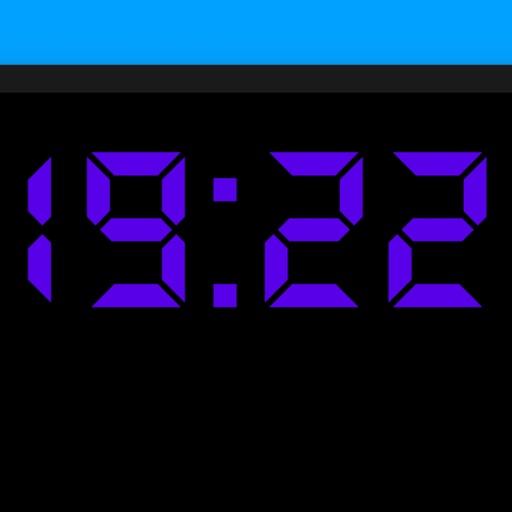
Turn your iPhone or iPad into a display. View in full screen with no buttons or clutter. Adjust brightness for nightstand use. Tap to dim or swipe to change brightness. Supports landscape and portrait orientations.
Listen to live radio broadcasts with in- chat for real-time interaction. Set alarm clock reminders. Access exclusive content from . Stream audio directly from the .
Display time with a , digital , and disc widgets. View a full-screen for prominent time display. Track progress with a progress bar widget. Access a Friday calendar widget. Adjust angles for different viewing positions.
The app offers a collection of solitaire card games for iOS devices. It features an intuitive interface, graphical quality, and options like drag and drop, hints, and statistics.
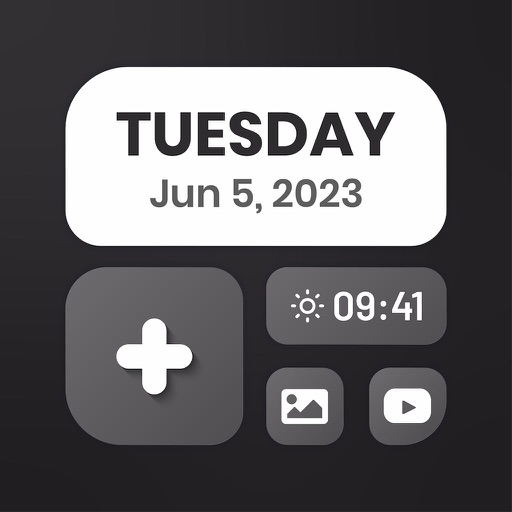
Customize home screen layouts with dynamic widgets. Add digital and analog clocks, calendars, and photo widgets. Choose from multiple design options and personalize layouts to suit individual preferences.
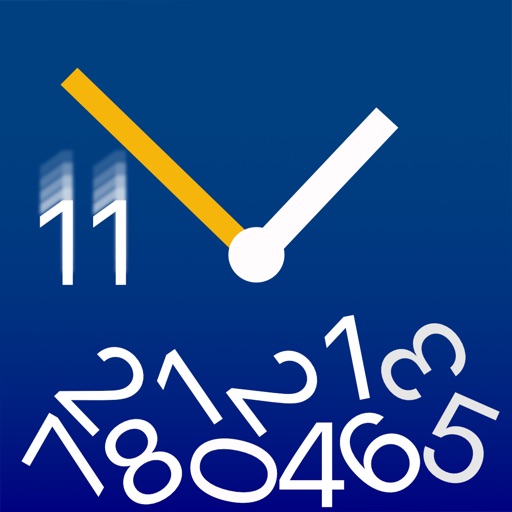
Visualizes time by simulating , where numbers fall and are buried as time passes. Users can watch the face change dynamically with each second. The offers a realistic physics-based animation of time progression.
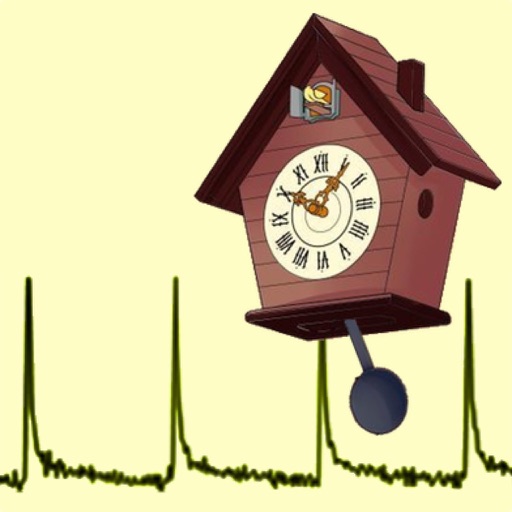
Calibrate and Pendulum clocks by measuring and adjusting their beat period. Sync with a known accurate time source to correct drift. Monitor daily time gain or loss with precision up to 0.001 milliseconds.
Manage timing with one-button start. Set unlimited acts and intervals in custom configurations. Track elapsed time and remaining duration for each segment. Receive alerts for transitions and end times. Sync timing data across devices.