
iPhone Screenshots



Description
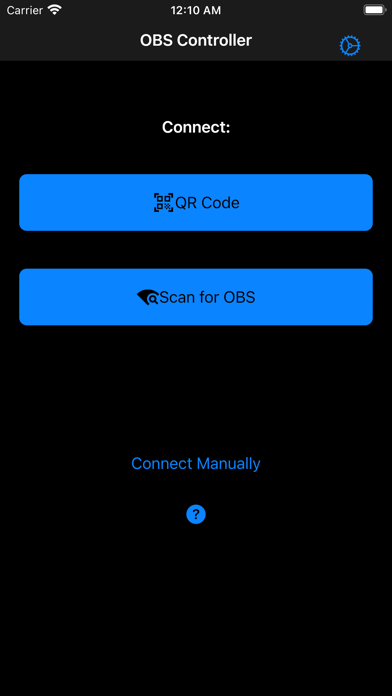
Control stream, recording, or virtual camera output. Hide or show scenes and individual scene elements. Prevent accidental scene switches during live broadcasts. Requires obs-websocket plugin for older OBS versions.
Simple is better. This app is focused on having a simple mobile scene switcher in OBS. In OBS v28 and later it should work out of the box. For earlier versions, it requires the obs-websocket plugin to be installed. You can download it here:
https://obsproject.com/forum/resources/obs-websocket-remote-control-obs-studio-from-websockets.466/
- Hide scenes that you don't want to accidentally switch to
- Control your stream, recording or virtual camera output
- Show/hide individual scene elements
- Mute audio sources
- Configure a delay for the commands in case you want to sync scene switches with camera delays