The app detects the device's orientation to find any 2D angle. It measures angles in degrees, radians, or as a gradient, holding the measurement for easy reading.
by Ivan Perre★ 4.37 ratingsUtilities$2.99Data updated 2026-09-28
Correct video orientation by rotating and straightening clips. Adjust rotation directly within the Photos using the included extension. Apply permanent rotation changes without altering metadata. Available as a separate purchase on macOS.
Use the built-in to navigate. Access an angle finder, flashlight, and map. View landscape and cosplay modes. Upgrade to remove ads and use improved Apple Maps.
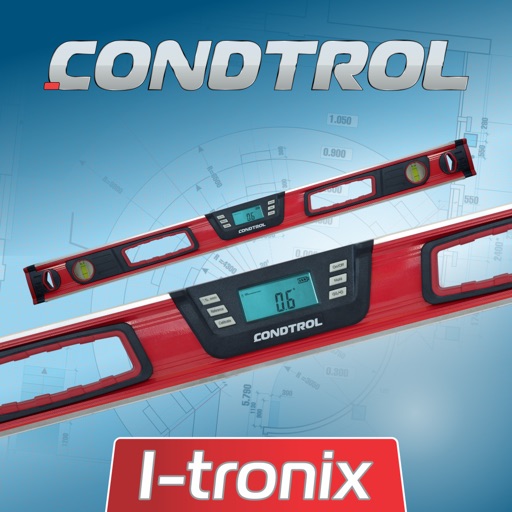
The app measures angles and inclinations for various applications. It can be used for home decoration, car inclination checks, and measuring slopes of roofs, stairs, floors, or roads.
Set target torque values and recall favorites for precise adjustments. Record measurements for audit and generate reports. Support multi-unit torque and angle measurements. Improve setup speed and reduce errors with absolute value settings.
Provides a 3D floating with realistic OpenGL graphics. Users can switch between nine modes, including direct read, traditional, and rosette styles. It displays degrees, quads, or mils.
Use camera to measure length, area, angle, or height of objects in real-world environment. Draw objects on surfaces and visualize measurements in augmented reality.
MyCalc offers basic and scientific calculation functions. Users can switch between portrait and landscape modes. It supports currency and unit conversions. Results, equations, and conversions can be copied, shared, or saved.
Convert units for weight, length, temperature, volume, area, speed, and time. Access size charts for clothing and accessories. Perform everyday conversions like cooking measurements and tyre pressure.